Open a round or choose a topic
Match the term requires Tirtle Plus. If you see Play with Tirtle Plus, open Explore Plus to review your membership options.
- Open Games and choose Match the term. Your current round opens.
- Choose Choose a topic below the round if you’d like a particular subject.
- Select a topic, then choose Start round. Selecting a topic alone doesn’t replace your current round.
- To return to earlier work on this browser, choose Your rounds and select Continue or Review.
Make each connection
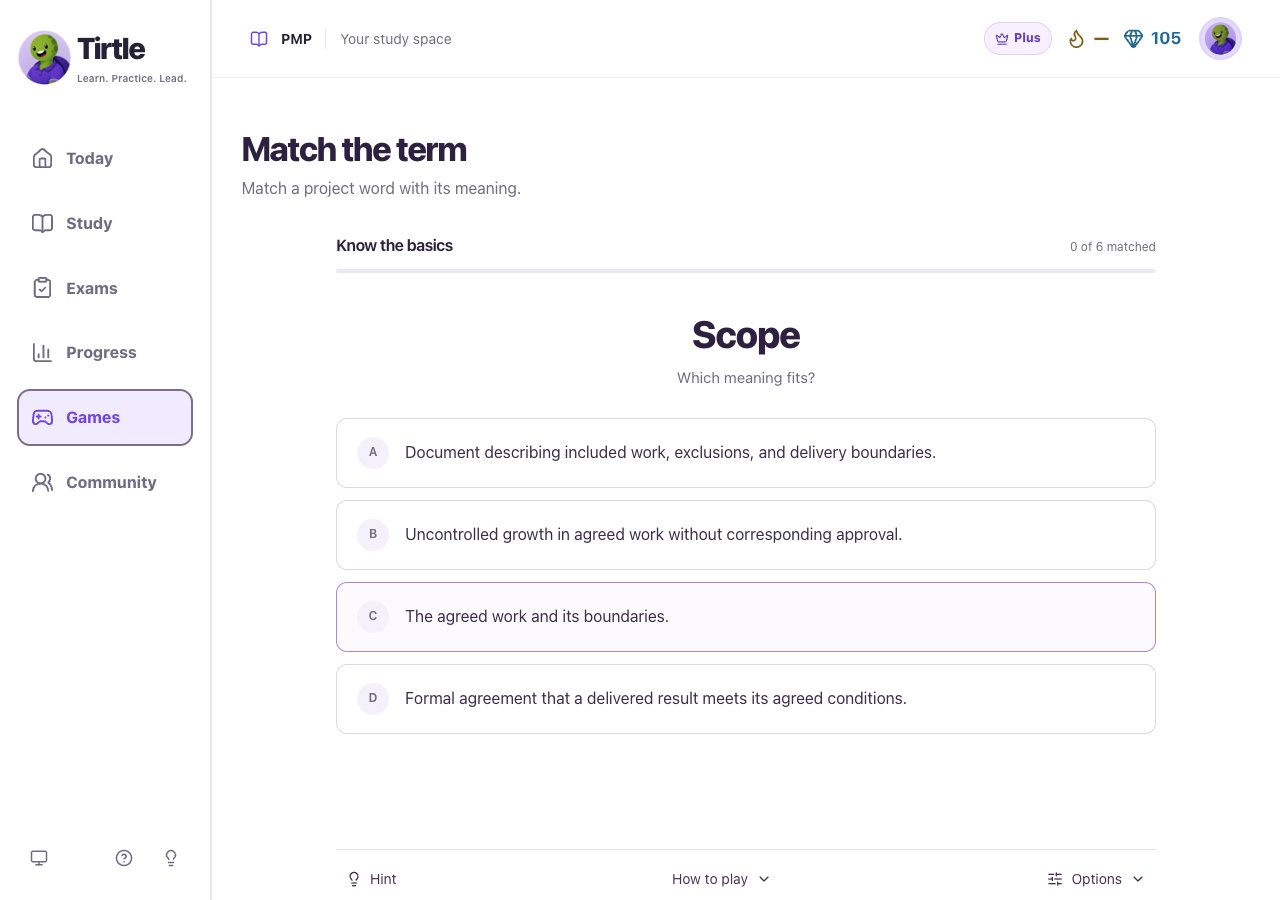
- Read the term above Which meaning fits?
- Choose the meaning that best describes it. There’s no separate check button.
- If it doesn’t match, read the feedback and choose another meaning. The round keeps track of terms you retried.
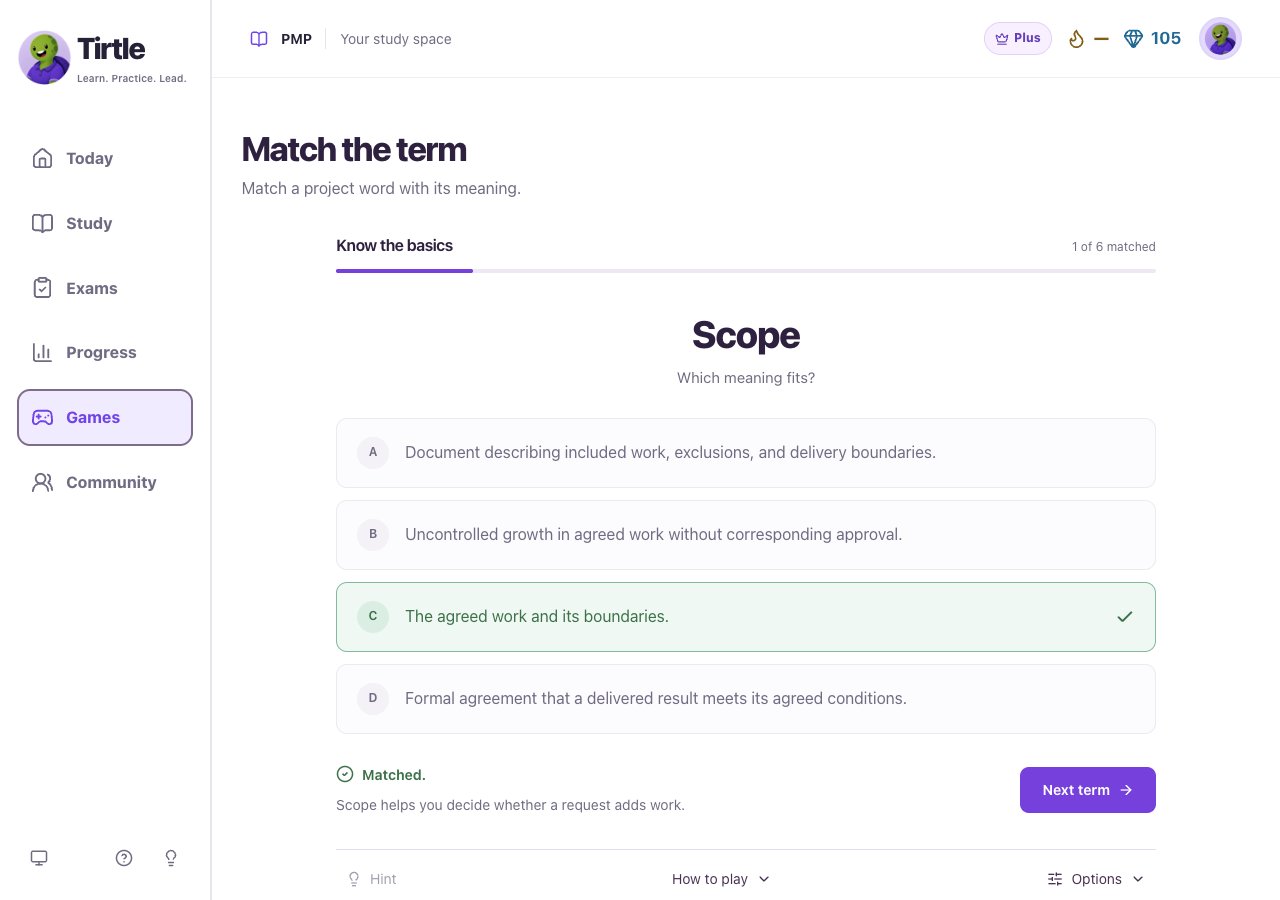
- When Matched appears, read the explanation and choose Next term. Repeat until you’ve matched all six terms, then choose See results.
Use a hint and review your choices
You can learn from a retry without losing the matches you’ve already completed. Hints and retries are recorded as help with that saved result.
- Choose Hint when one is offered for the current term. Read it before selecting a meaning.
- Open How to play if you need a reminder of the controls.
- Open Options to see the hint and retry counts for this round.
Save the round and choose what comes next
Each round counts once as a saved account win. Replaying doesn’t replace the first saved result. Game completion describes practice, not readiness for the official exam.
- On Round complete, open Review the terms to read every explanation together.
- Choose Save only to keep the win in your account, or Share this win to save it and open Community. Review the Community post before choosing to publish it.
- Choose Next round to continue with your selected topic, or Choose a topic to change subjects.
- Choose Play again on the result if you want another attempt at the same round.
Keep your place or restart a round
Your unfinished matches are stored on this browser. A saved account win is separate and stays when you restart. If browser storage is unavailable, keep the window open to avoid losing the current place.
- Return in the same browser and account to continue your saved game place.
- To reset an unfinished round, open Options, choose Restart round, then confirm Restart. Choose Keep my place to cancel.
- If saving a win fails, use Retry saving win or the pending-win notice when you return to Games.