Choose or connect answers
Read any project situation, table or diagram above the question before answering. Go to your answer moves you past that reading material when you’re ready.
- Single answer: select one choice, then use the question’s save or check action.
- Several answers: select the number requested in the instructions. Review every selected choice before saving.
- Matching: pair the items using the matching controls. Read any rule about whether a choice can be reused.
- Classification: choose the appropriate category for each item.
Arrange, type or select a location
- Ordered steps: use the move controls to put each item in the intended order. In an exam, Use this order confirms the starting order if you keep it.
- Number: type the value in the displayed unit and follow the requested precision or rounding.
- Text: type the requested answer in the field provided.
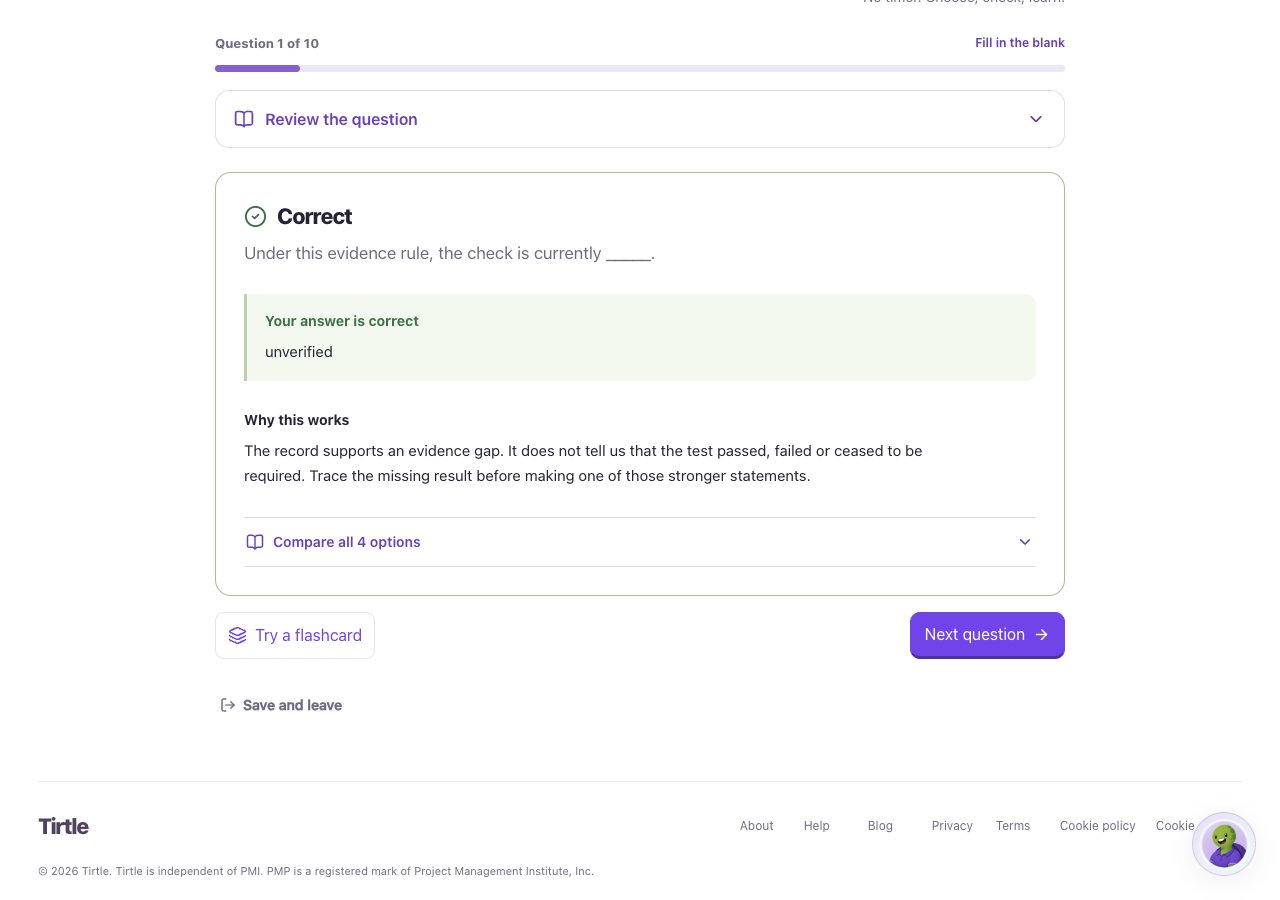
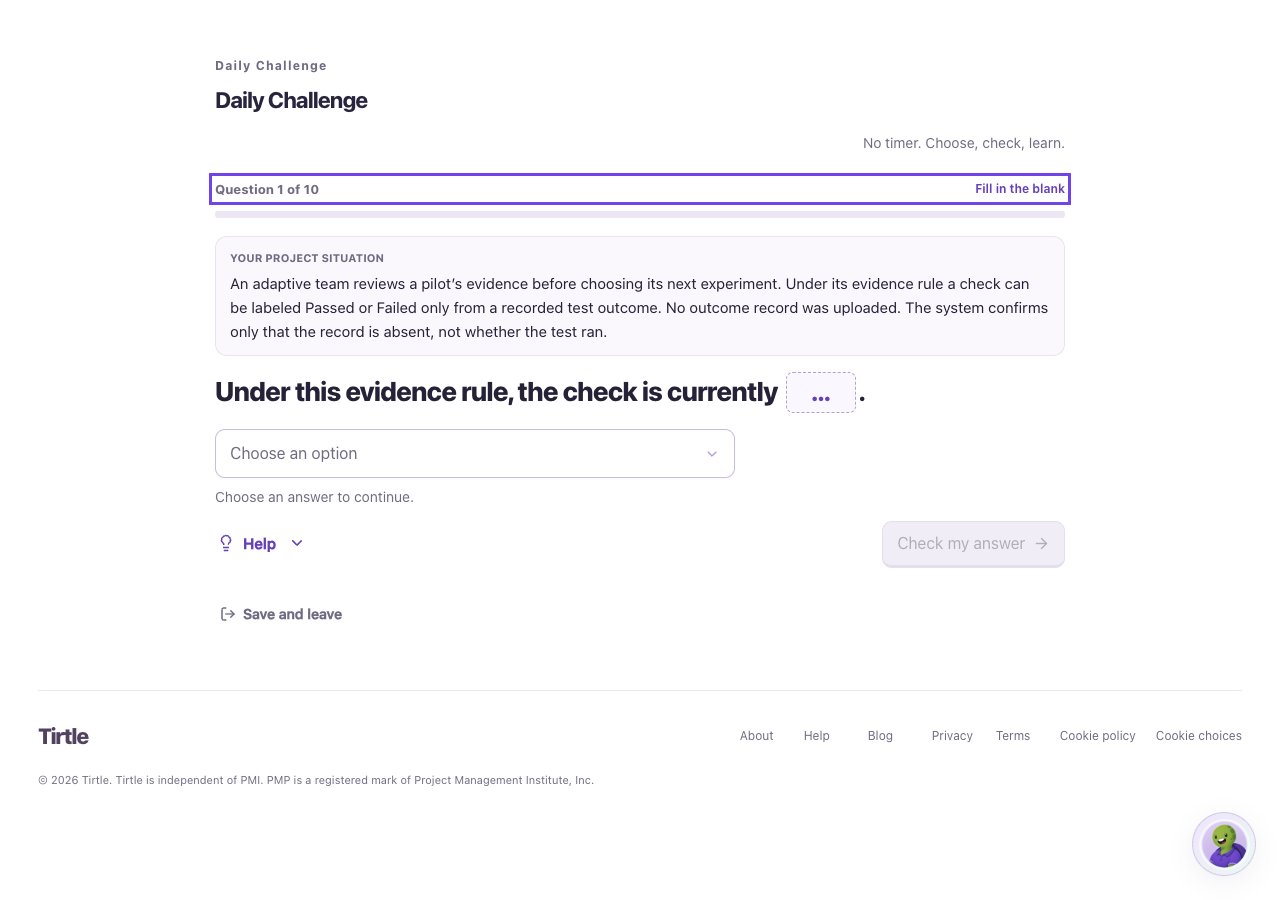
- Fill in the blank: open the selection control and choose the option that completes the statement.
- Graphic question: follow the instructions to choose a location or match items on the diagram. Use the accessible controls offered with it.
Save and learn from the result
In guided practice, choose Check my answer and read the explanation. The page tells you if an answer is unfinished or needs another format.
In exams, complete responses save automatically. Wait for Saved and use Review before submitting a section. A score follows that question’s rules; don’t assume every multi-part question awards partial credit.