Start with the explanation
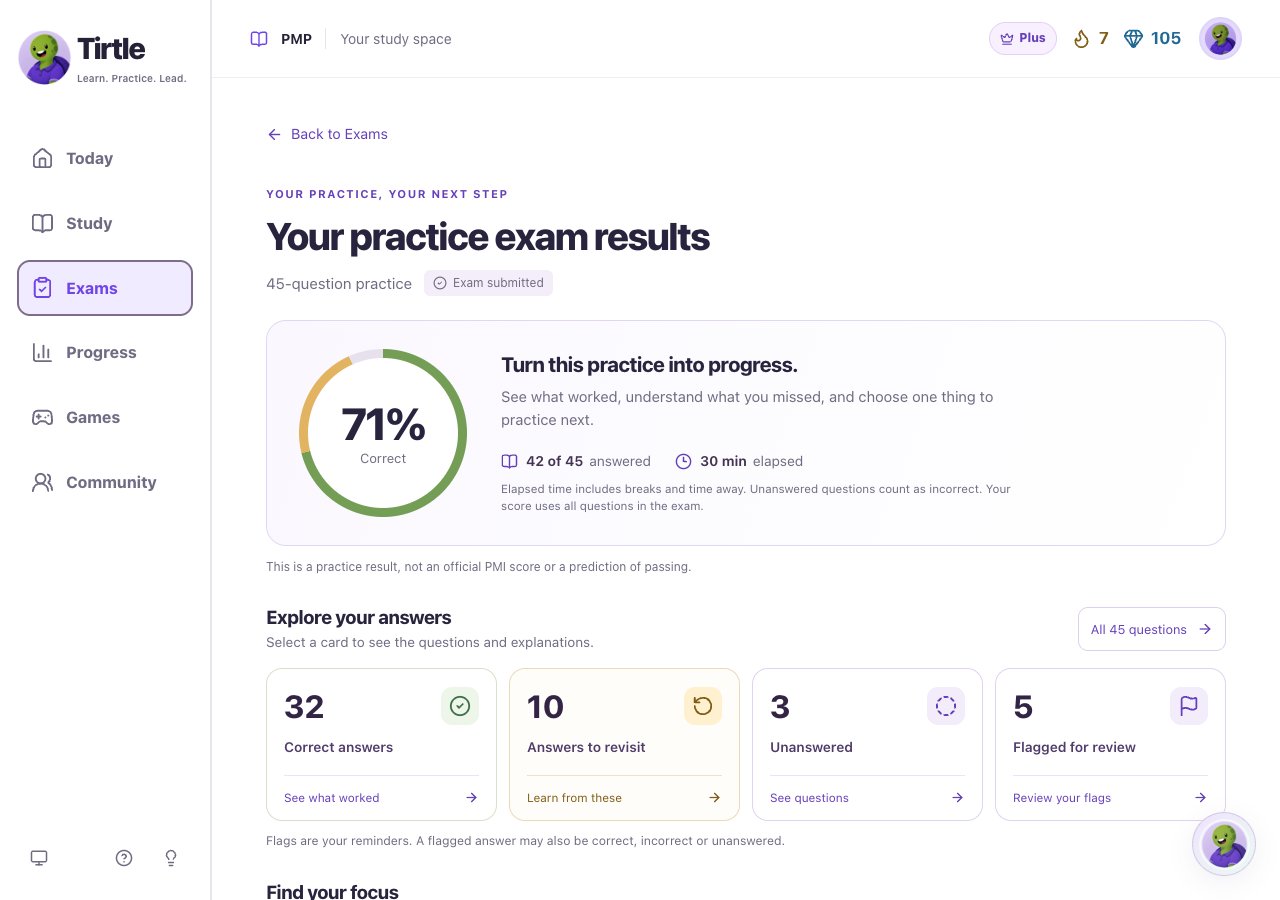
Timed practice and exam explanations appear after the activity ends. Reviewing saved answers does not start another attempt or change their score.
- Open your completed activity result.
- Choose Questions to revisit or Unanswered when those views are available.
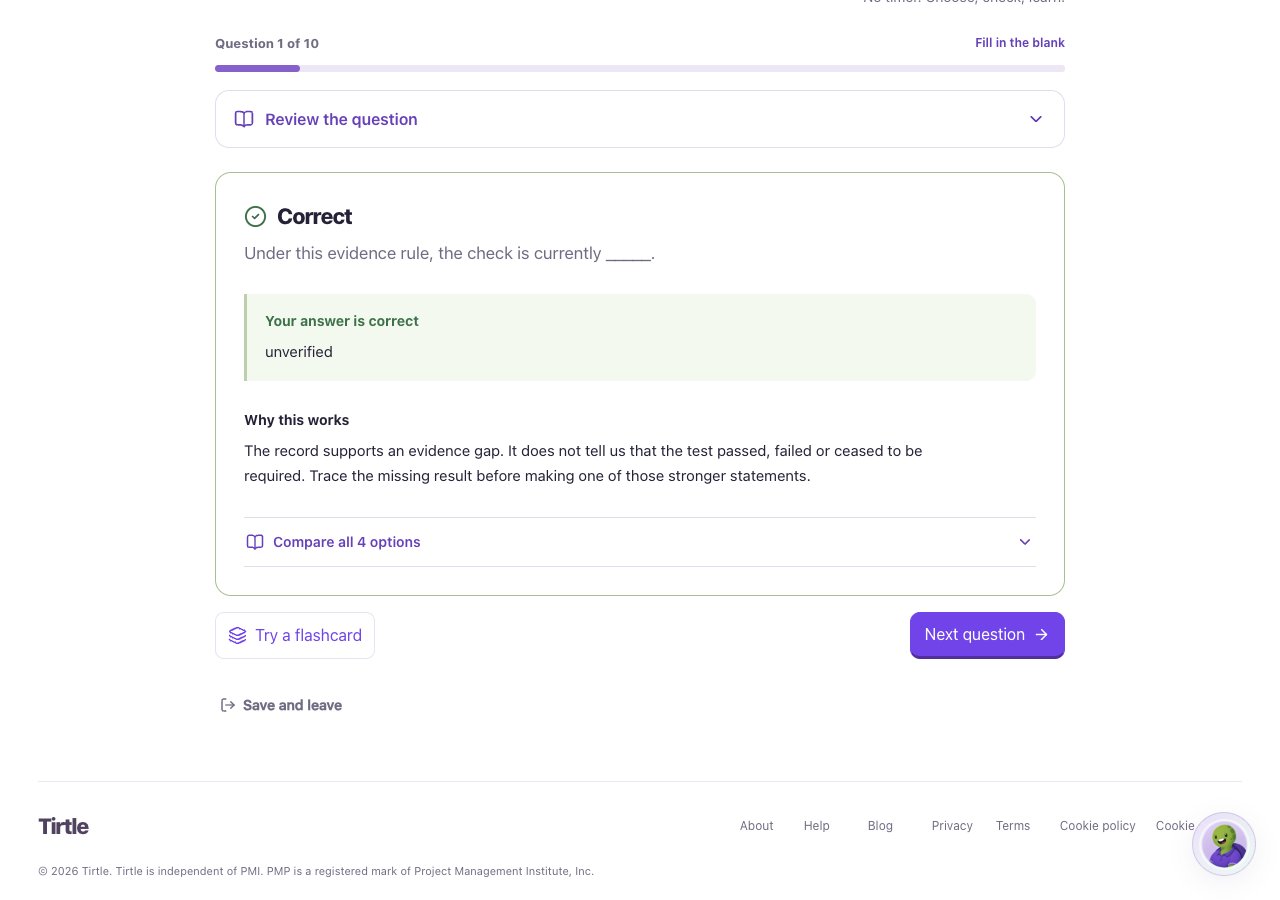
- Open a question and compare Your answer with the Correct answer.
- Read Why this works and The key idea. Try explaining the decision in your own words.
Choose a new practice opportunity
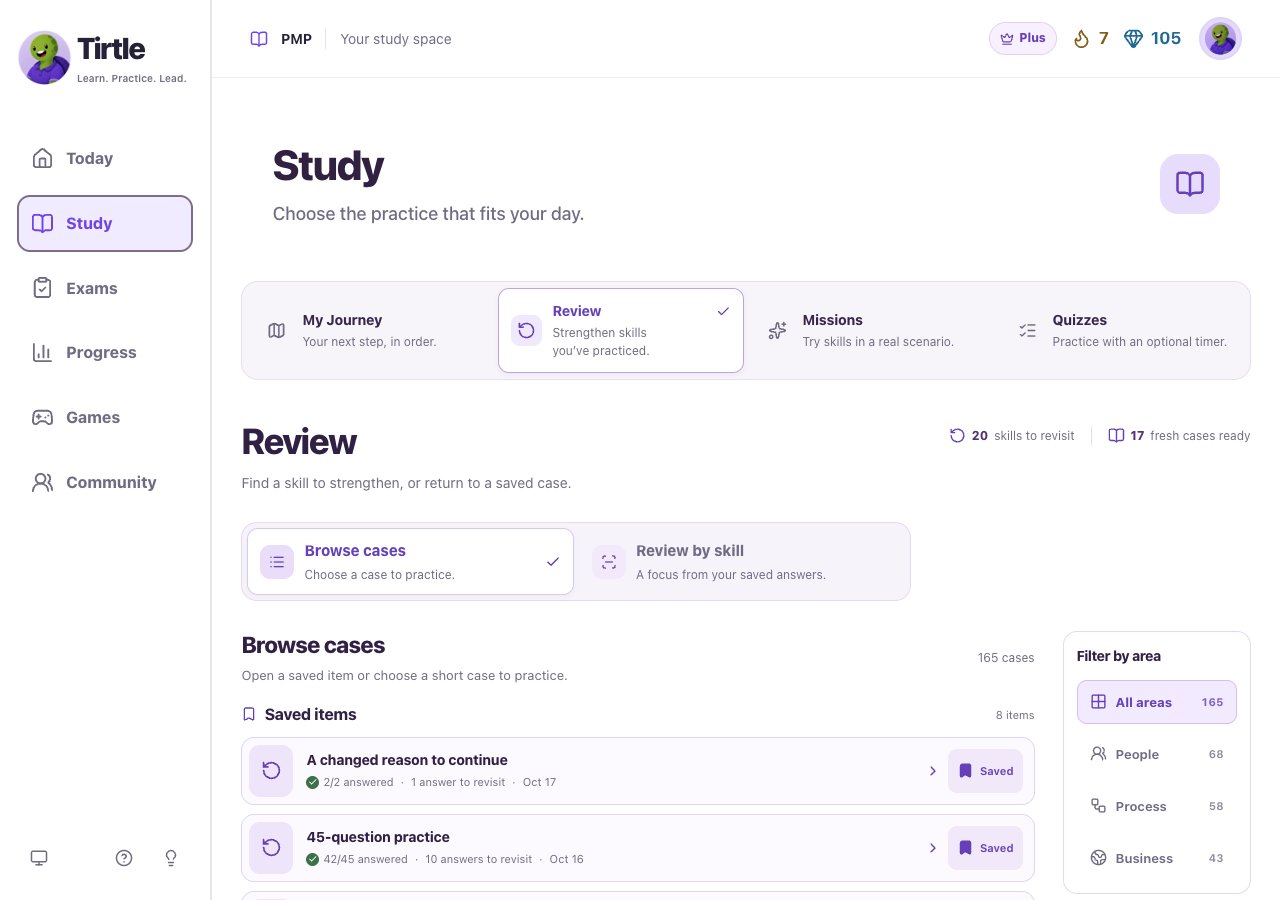
Removing a bookmark from Saved items does not erase the underlying completed activity. A new case lets you apply an idea in another situation; seeing the same saved explanation is a different action.
- Open Study, then Review. Browse cases is the starting view.
- Choose a case to Start case, Continue case or Practice again.
- For a focus based on your saved answers, choose Review by skill, then an area, topic and skill.
- Use a bookmark control to Save for later. Find it in Saved items when you return.
Try a quick flashcard
This is an optional memory check of an explanation you have already seen. It is not another graded response and does not change your saved answer.
- After a guided answer, choose Try a flashcard when it is offered.
- Think about the key idea, then tap the card to flip it and read the takeaway.
- Flip it back for another try, or use Close flashcard to return to the question.
Use confidence thoughtfully
Still thinking and Feeling sure are optional choices saved with an answer. They don’t change correctness. A confident miss can be a useful place to revisit. A correct repeat may feel easier because the question is familiar.