
Leave with a saved answer
If only your optional confidence choice is unfinished, the dialog explains that separately. If a save failed, use the retry control and wait for confirmation before leaving. An incomplete draft may need to be finished or discarded.
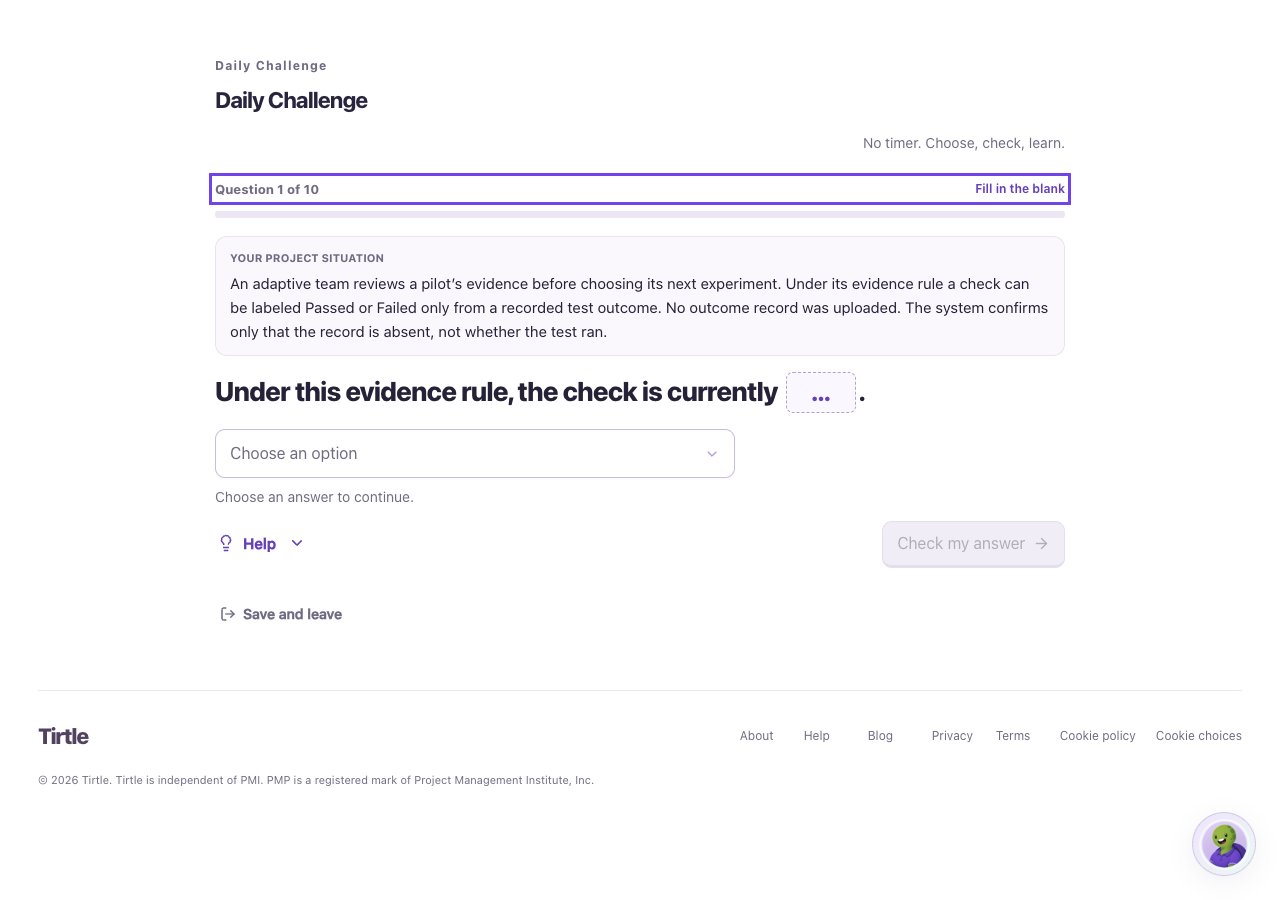
- Choose Save and leave inside your activity.
- If asked about an unsaved answer, choose Save answer and leave to keep a complete response, or Keep answering to finish it.
- Choose Leave without this choice only if you want to discard the current unsaved selection. Earlier saved answers remain.
Pick up where you left off
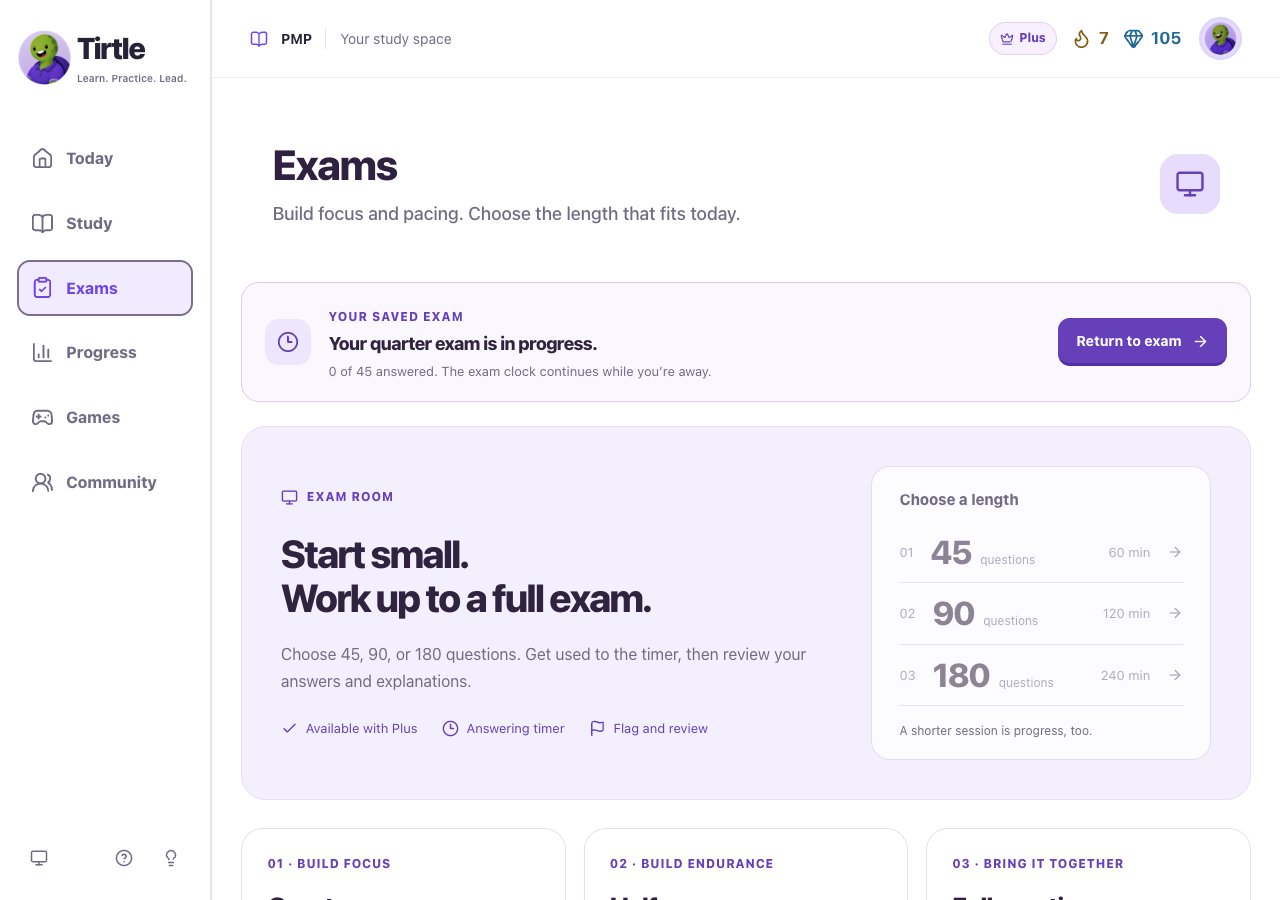
Untimed practice can wait. Timed practice and exam clocks continue while you’re away, and a scheduled exam break also keeps running. Leaving is not a pause.
- Return using the same sign-in method and account.
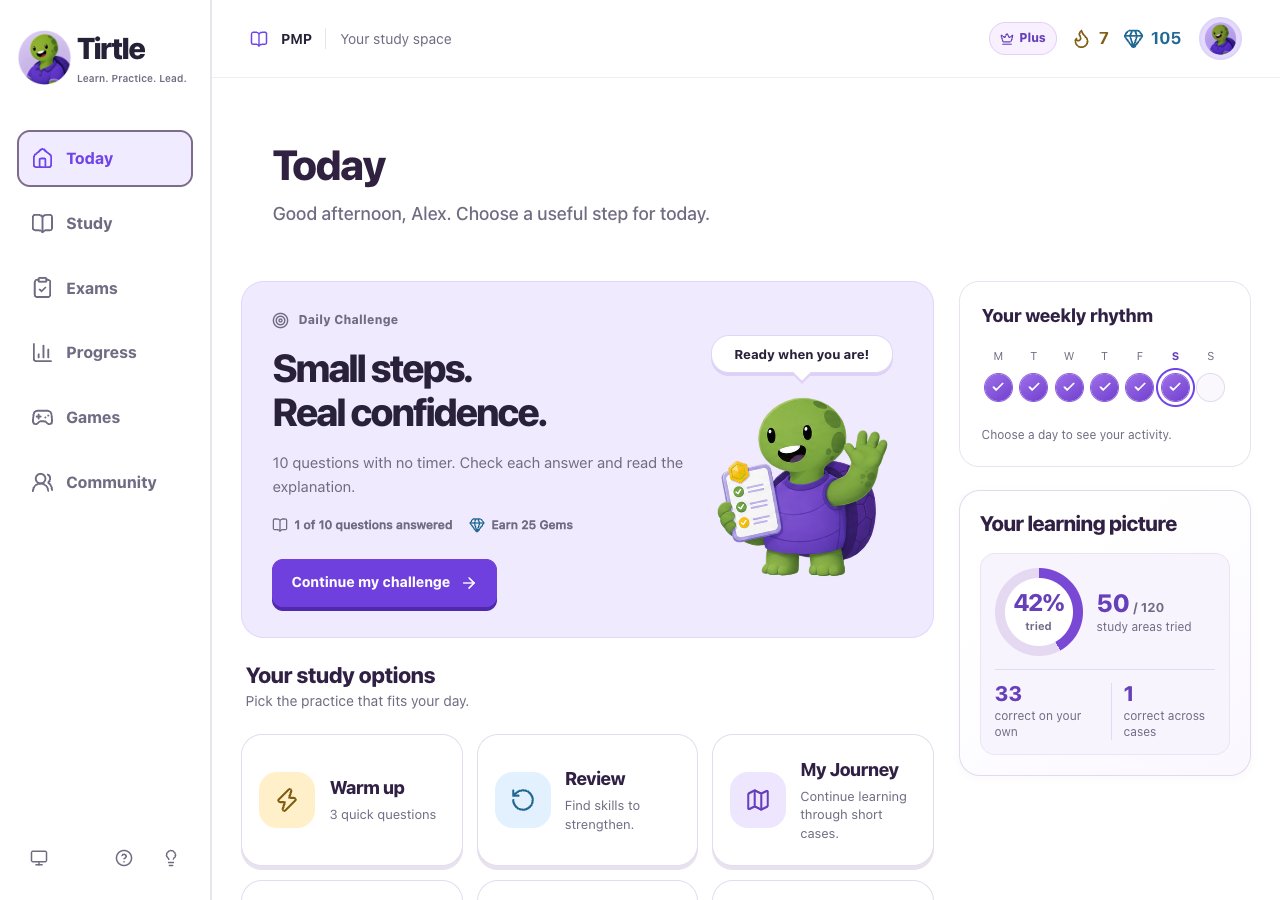
- Find Pick up where you left off in the relevant study area and choose Continue.
- A ready-to-finish activity may say Finish activity; a completed one may say See results.
- For a saved practice exam, open Exams and choose Return to exam.
If another tab changed the activity
Use one study tab at a time. If you see a saved-activity conflict, read the choices before restoring. Reopen this question lets you recover the relevant place; Discard selection and load saved activity drops the unsaved selection in this tab.
You can keep up to three activities unfinished. If you reach that limit, choose Continue saved activity and finish one before starting something new. This does not clear your answers.
Earlier saved practice may appear separately from new practice. Open it through the offered Continue or results control.