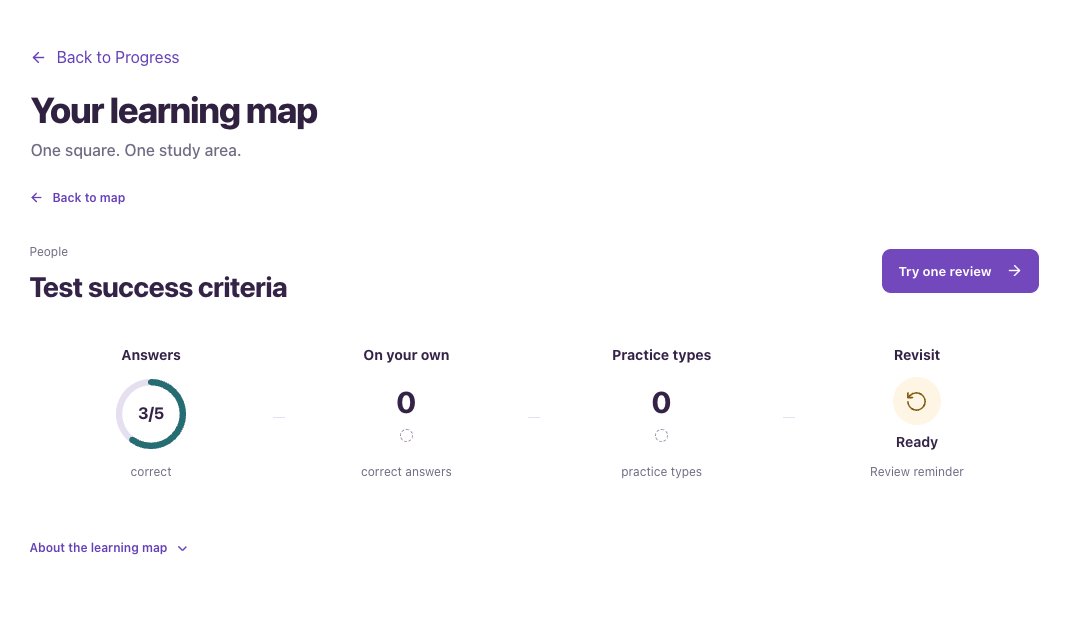
Choose a view
- Open Progress and find Explore insights.
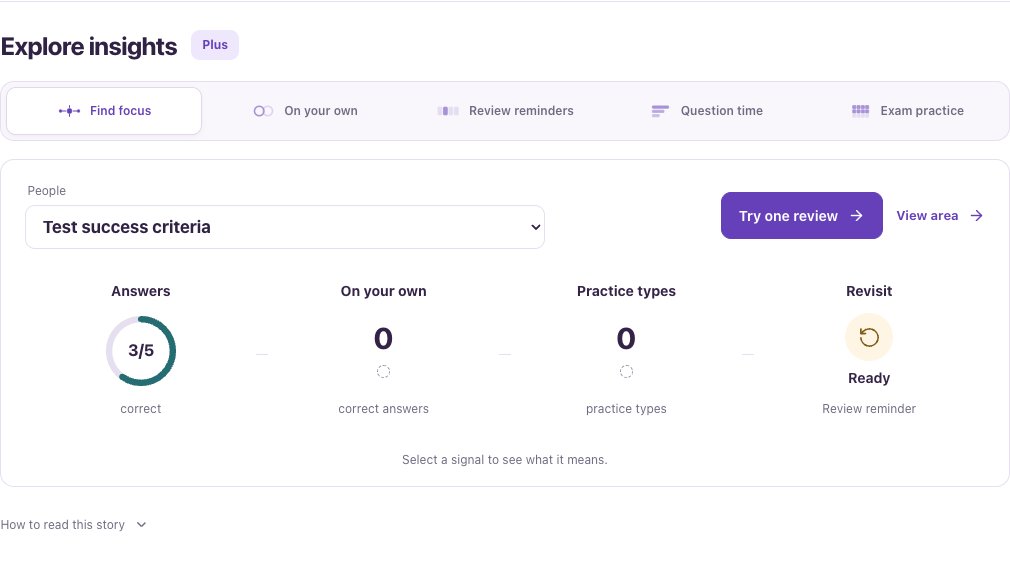
- Select Find focus, On your own, Review reminders, Question time or Exam practice.
- Choose an area, practice setting or saved exam where the view offers a selector.
- Select a signal or use the related action to understand the detail or start practice.
- Find focus brings together evidence about one area.
- On your own looks at correct answers without help and compares new with familiar practice.
- Question time includes reading and pauses. Faster does not mean better.
- Exam practice lets you compare saved attempts of the same length.
Use a review reminder
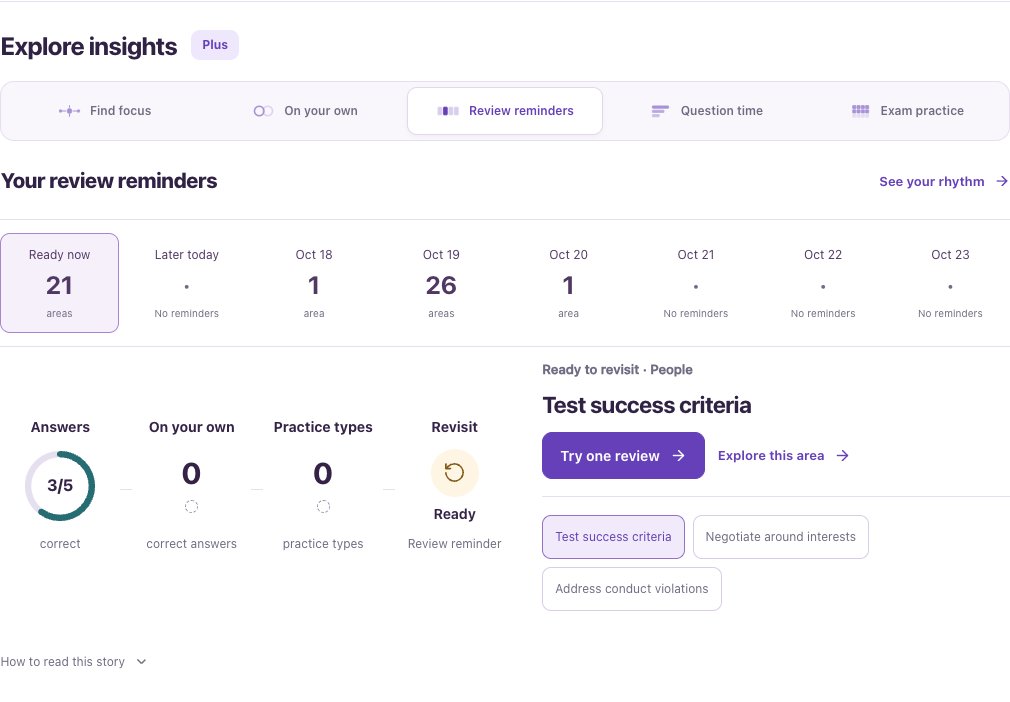
A reminder invites another attempt. It does not mean you forgot the idea. Dates and suggestions grow from your saved activity.
- Choose Review reminders.
- Select Ready now or a date in the reminder row.
- Read the suggested area and choose Try one review when that action is available.
When the view is empty or locked
Your first saved activities begin the picture. A small amount of evidence is a starting point, not a readiness verdict.
These detailed views need Plus. Basic previews are labeled Example, not your results. They do not hide personal results behind sample numbers.