On a larger screen
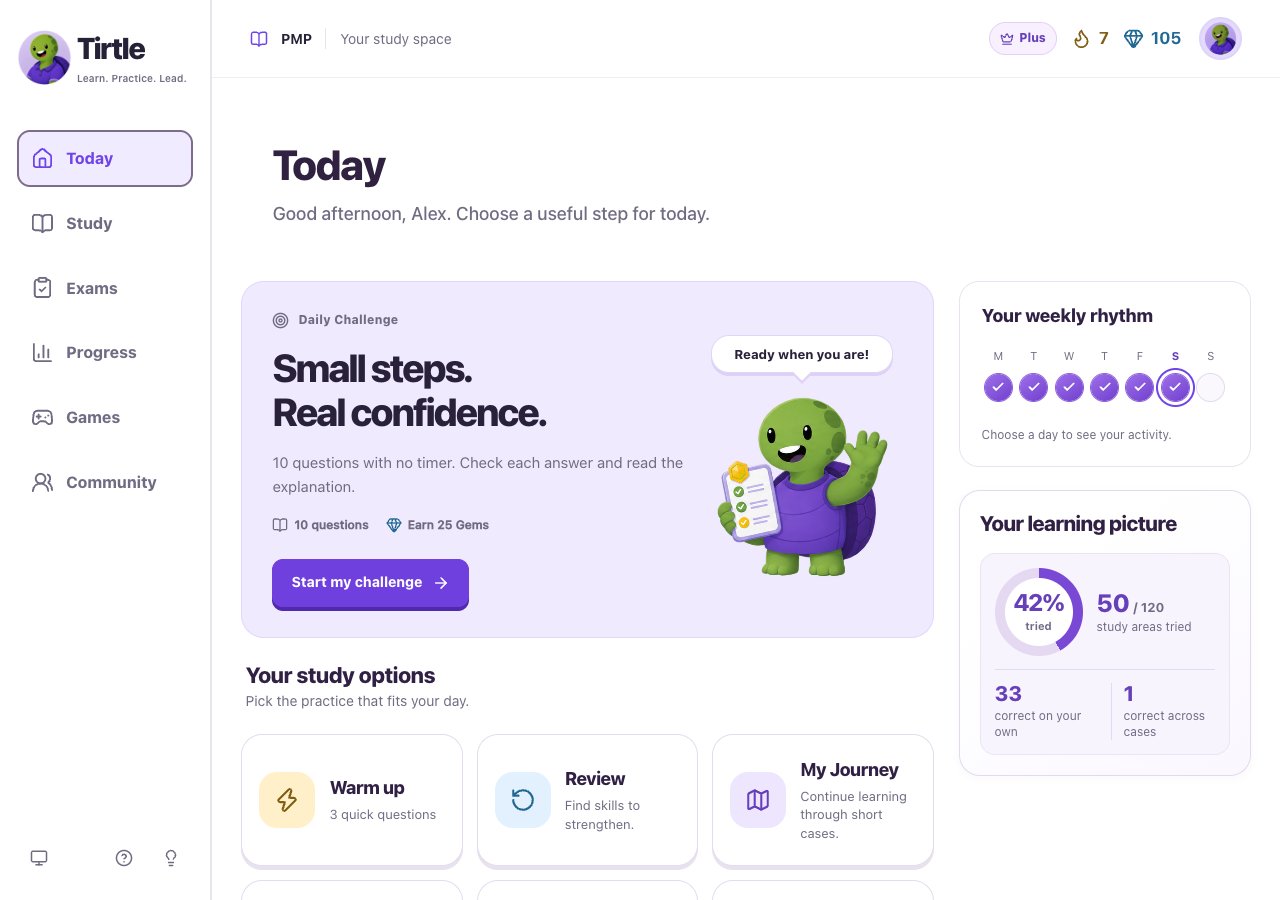
- Use the sidebar to move between these areas.
- Choose your profile picture to open My profile, Edit profile, Preferences, Tools and Account.
- Use the question-mark Help icon for these guides, or the lightbulb to Share feedback.
- Today: start or continue the Daily Challenge and find a short Warm up.
- Study: choose My Journey, Review, Missions or Quizzes.
- Exams: set up or return to a Plus practice exam.
- Progress: explore your saved activity and learning patterns.
- Games and Community: practice in a different way or share encouragement.
On your phone
Inside a focused activity, use Save and leave to return to navigation. Follow any unsaved-answer message first.
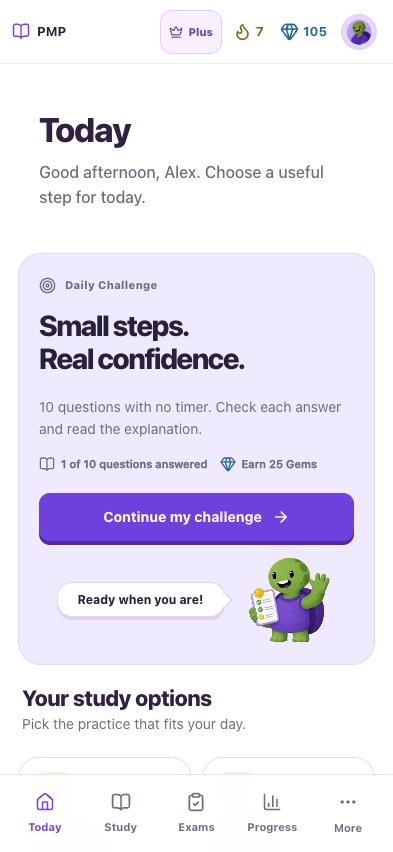
- Use the bottom bar for Today, Study, Exams and Progress.
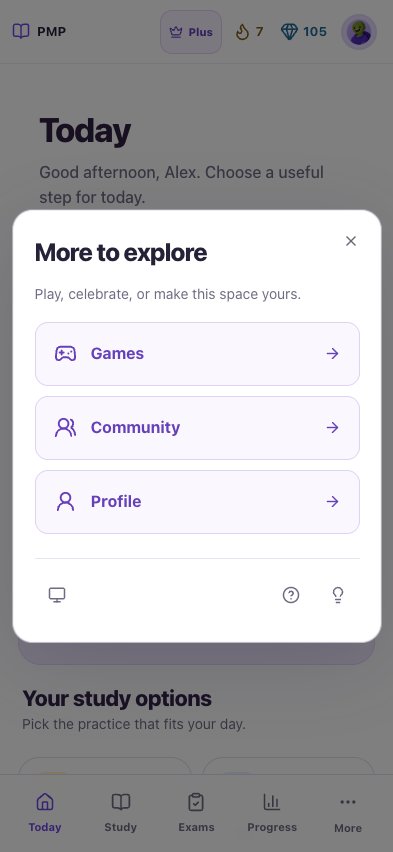
- Choose More for Games, Community and Profile.
- The More panel also has Appearance, Help and Share feedback controls.