Earn and use Gems
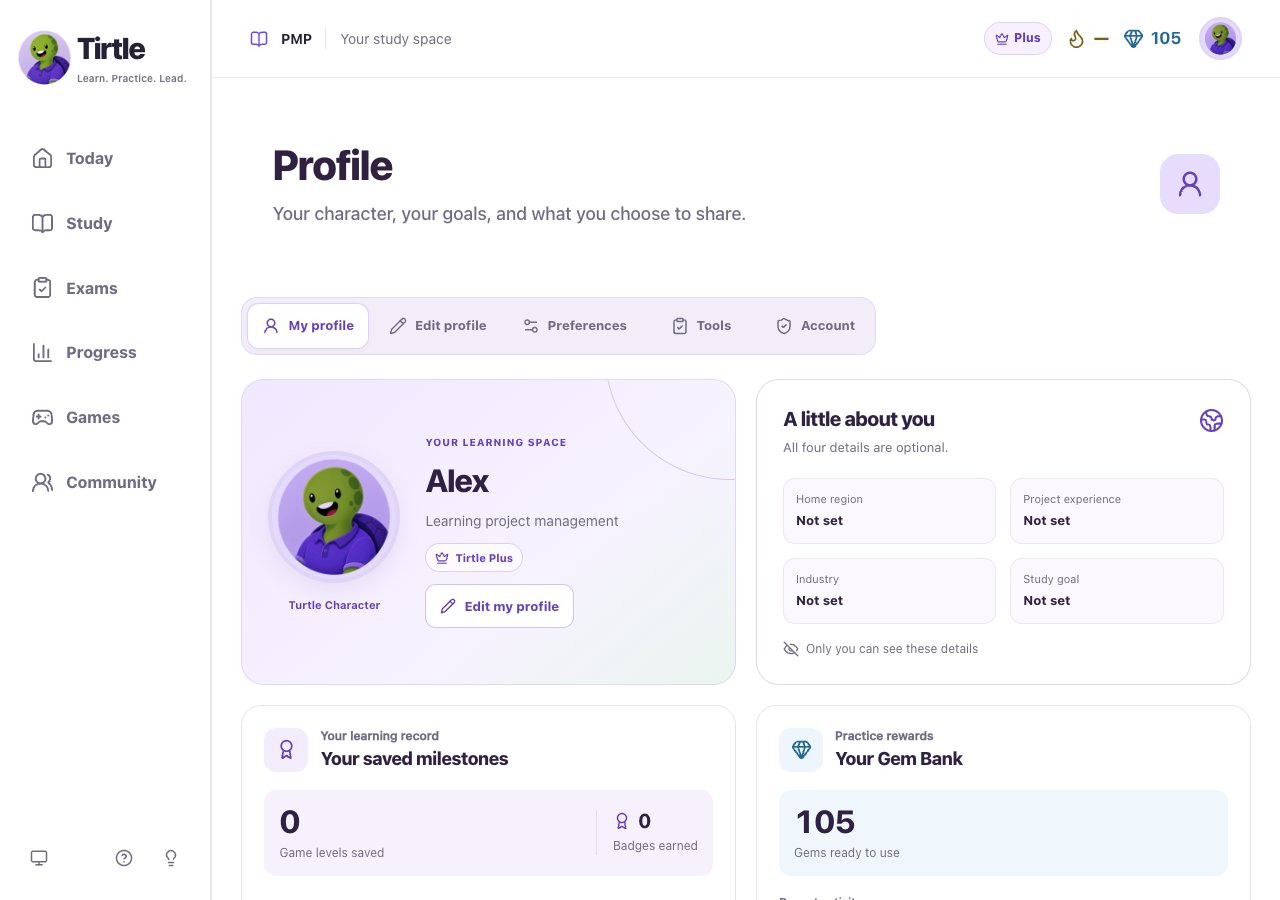
- Open Profile and stay on My profile.
- Find Your Gem Bank to see your balance.
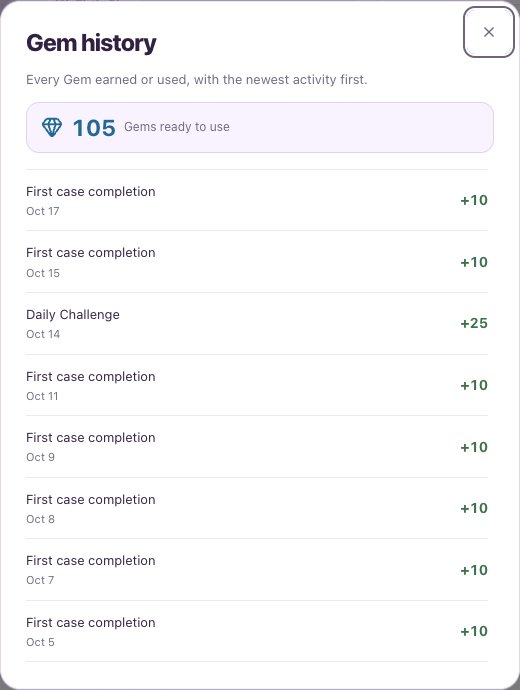
- Choose Show history to see rewards and purchases, with the newest first.
- Finish all ten Daily Challenge questions to earn 25 Gems once per day.
- Complete a Journey case for the first time to earn 10 Gems, whatever your score.
- Use earned Gems for eligible mission settings. Read the displayed cost before confirming.
Choose an earned badge
Gems and badges recognize activity. They do not measure exam readiness. Replaying a case does not repeat its first-completion reward.
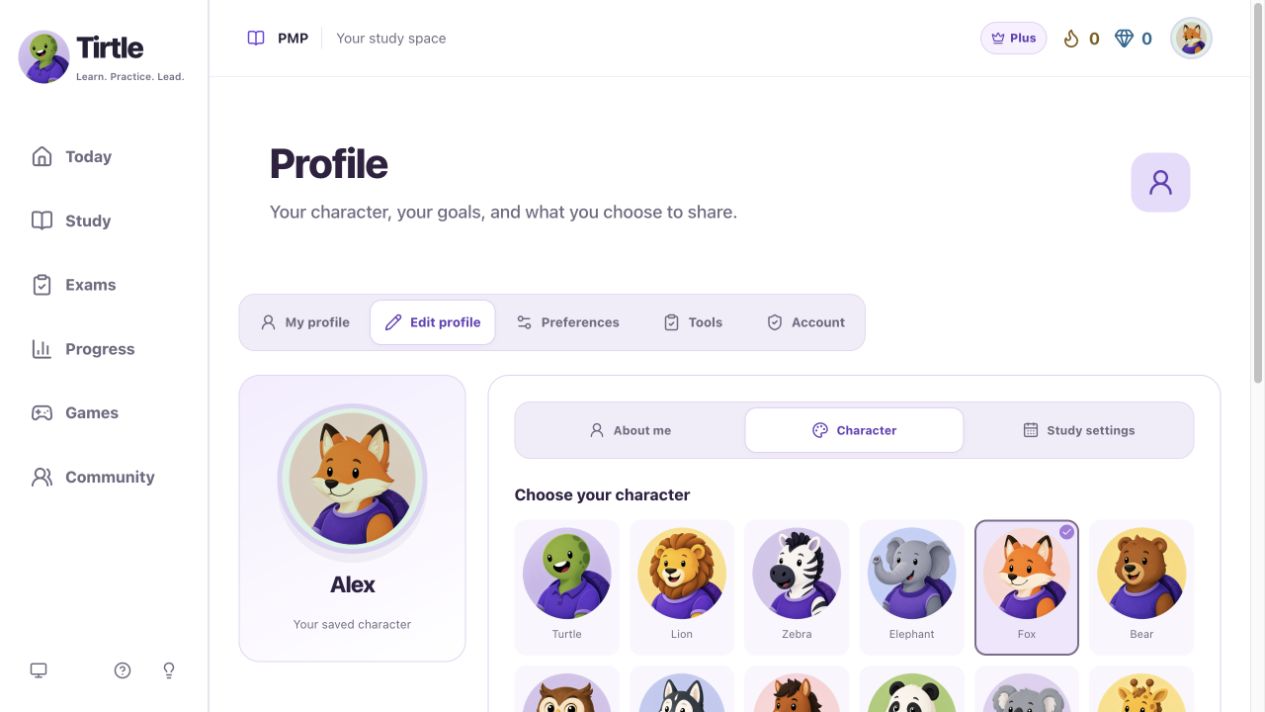
- In Profile, open Edit profile, then Character.
- Choose an earned badge with your character and backdrop.
- Choose Save my profile and wait for the saved confirmation.
- First step recognizes a completed practice session.
- Explorer recognizes three completed guided cases.
- Steady recognizes practice on three consecutive days.