
Choose a setting
- Open Study, then Missions.
- Browse the settings and open one that interests you.
- Read the case or mission description, then use the available start or continue action.
- Answer the questions and use the explanations to connect the story with project practice.
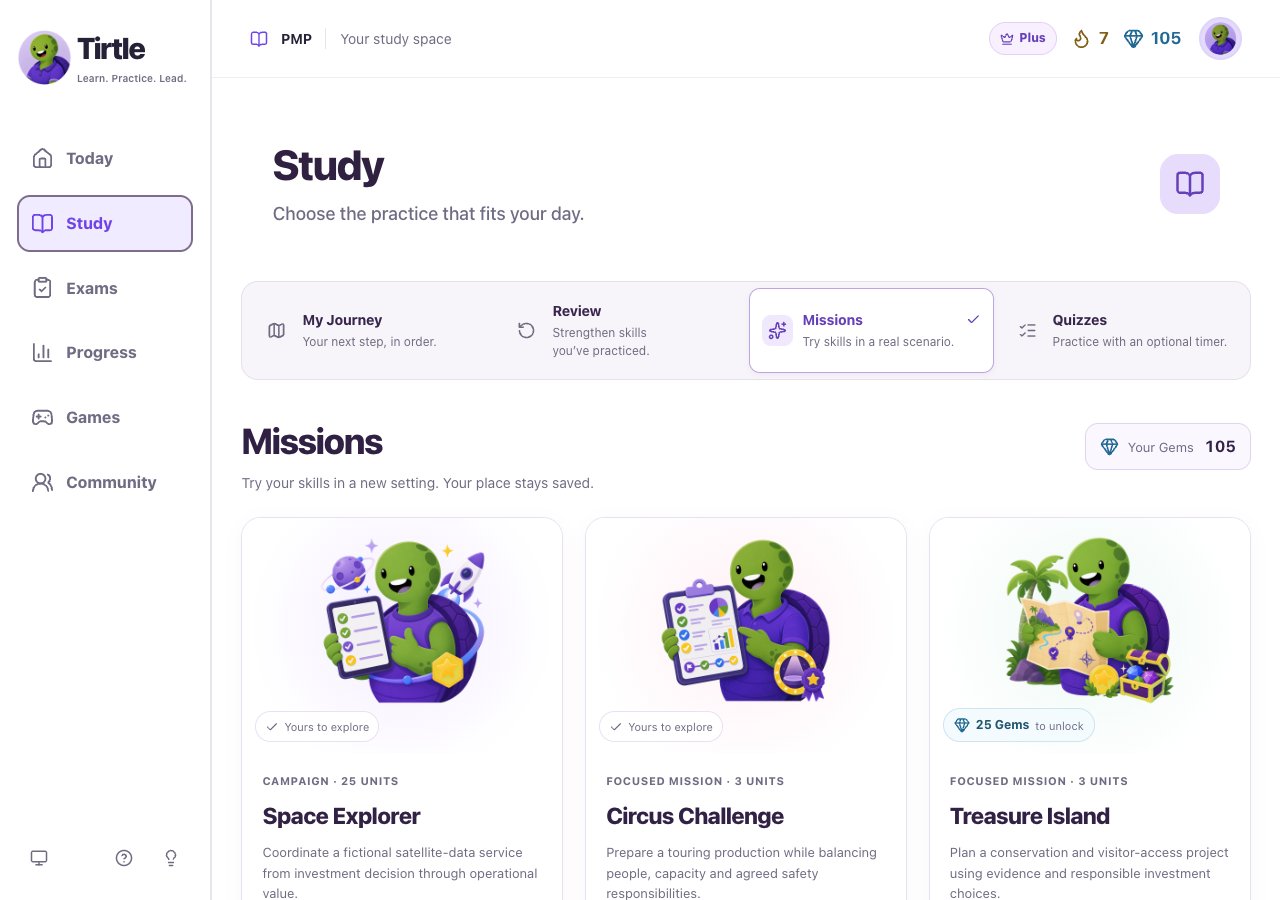
Check before you spend Gems
Opening a preview does not spend Gems. Some settings are already included. An unlocked setting remains yours, and the purchase appears in your Gem history.
- If a setting needs an unlock, read the Gem cost and your available balance.
- Confirm only when you want to spend those Gems on that setting.
- Return to the mission and start its available case.

Choose what comes next
Read your result, revisit an explanation or continue with another available case. The theme changes the setting for practice; it is not a separate qualification or an official PMI simulation.