
Upgrade from the right account
Paid Plus is US $9.99 per month for one learner account, plus applicable taxes, and automatically renews until cancelled. An authorized adult must complete the purchase. Opening the offer does not charge you. If Checkout is unavailable, Basic remains available.
- Sign in to the learner account that should receive Plus.
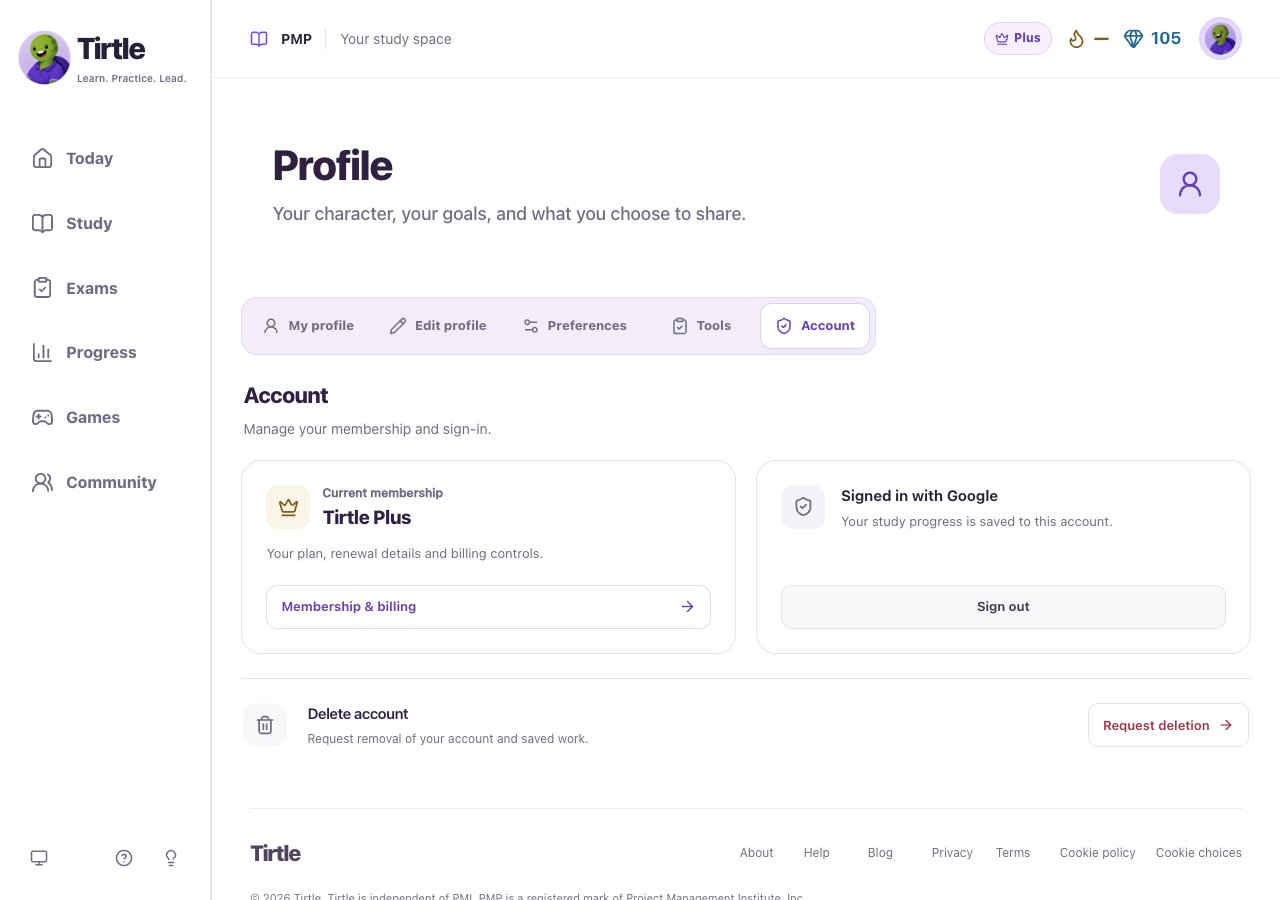
- Open Profile > Account > Compare memberships, or open Membership.
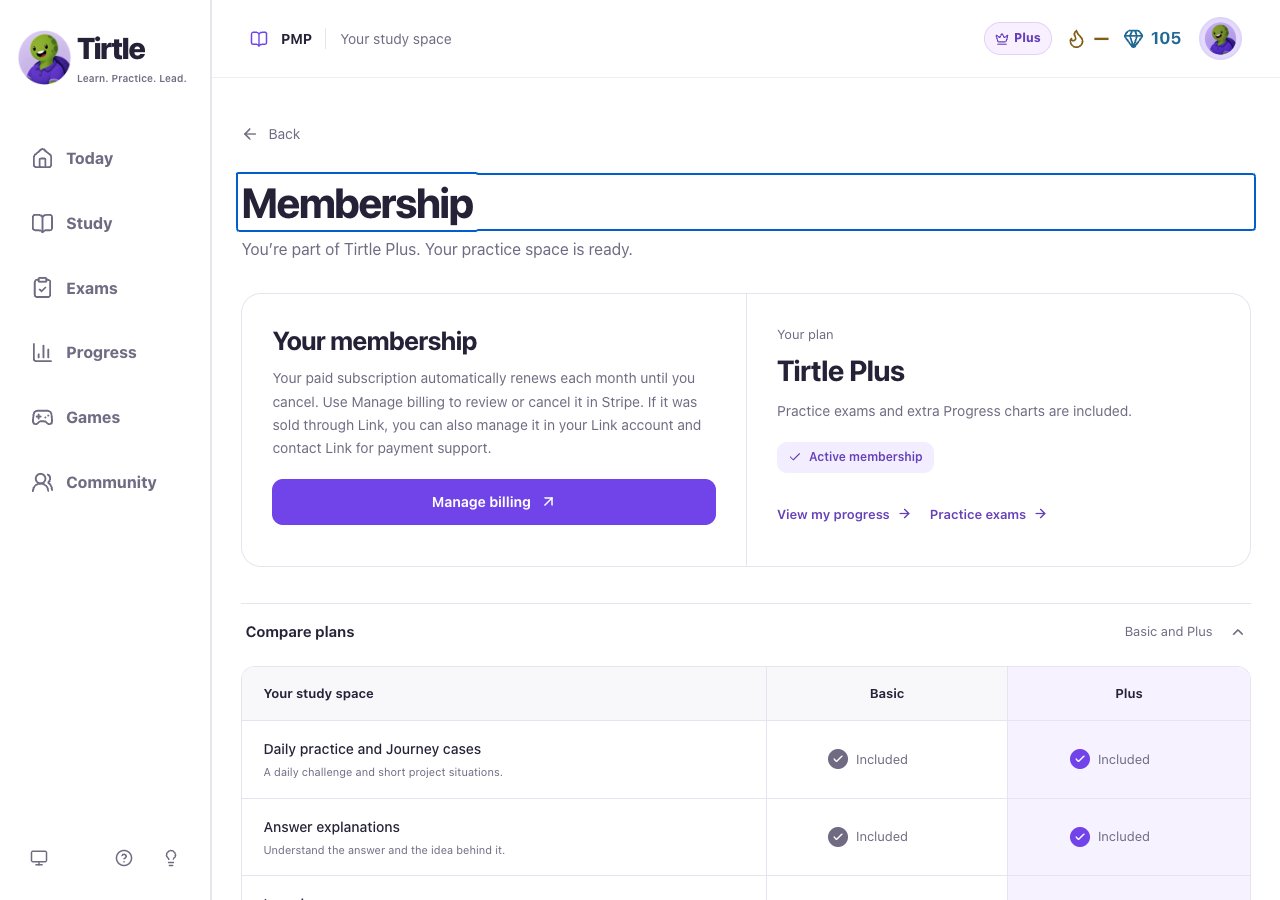
- Read the price, renewal terms and Compare plans.
- If purchasing is available, choose Upgrade to Plus and review the final Stripe checkout before paying.
- Return to Tirtle and wait for membership confirmation. Use Check membership if offered.
Manage or cancel a paid subscription
Cancel before the next renewal to stop the next charge. When cancellation is set for the end of the paid period, Plus remains available until then. Basic practice and saved results remain afterward.
Signing out, closing the page or requesting account deletion does not cancel Plus. For purchases sold through Link, Link also offers subscription management and payment support. Tirtle can help with access to your study account.
- Use the same sign-in method and account used for the subscription.
- Open Profile > Account > Membership & billing.
- Choose Manage billing to open Stripe.
- Review the renewal date and choose the cancellation option if you want to stop renewing. Check the confirmation and access end date.
Understand complimentary access
If Membership says Complimentary Plus, use the displayed end date. This access has no charge or automatic renewal when it ends.
Some Plus accounts have no linked billing account, so Manage billing is not shown. A complimentary learner with older billing records may see View billing history. Don’t start another subscription just because a billing button is absent. Check your account and contact support if access looks wrong.