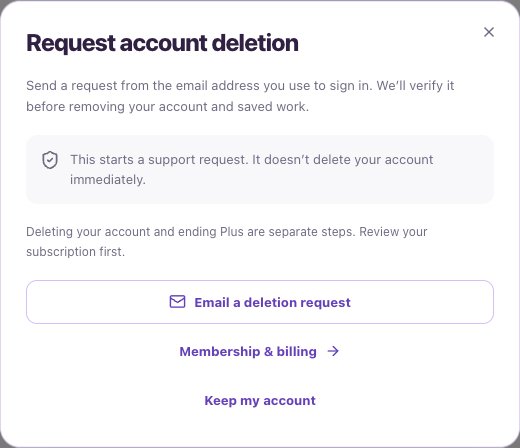
Open the request
The dialog does not delete anything immediately. Deletion and ending a subscription are separate steps.
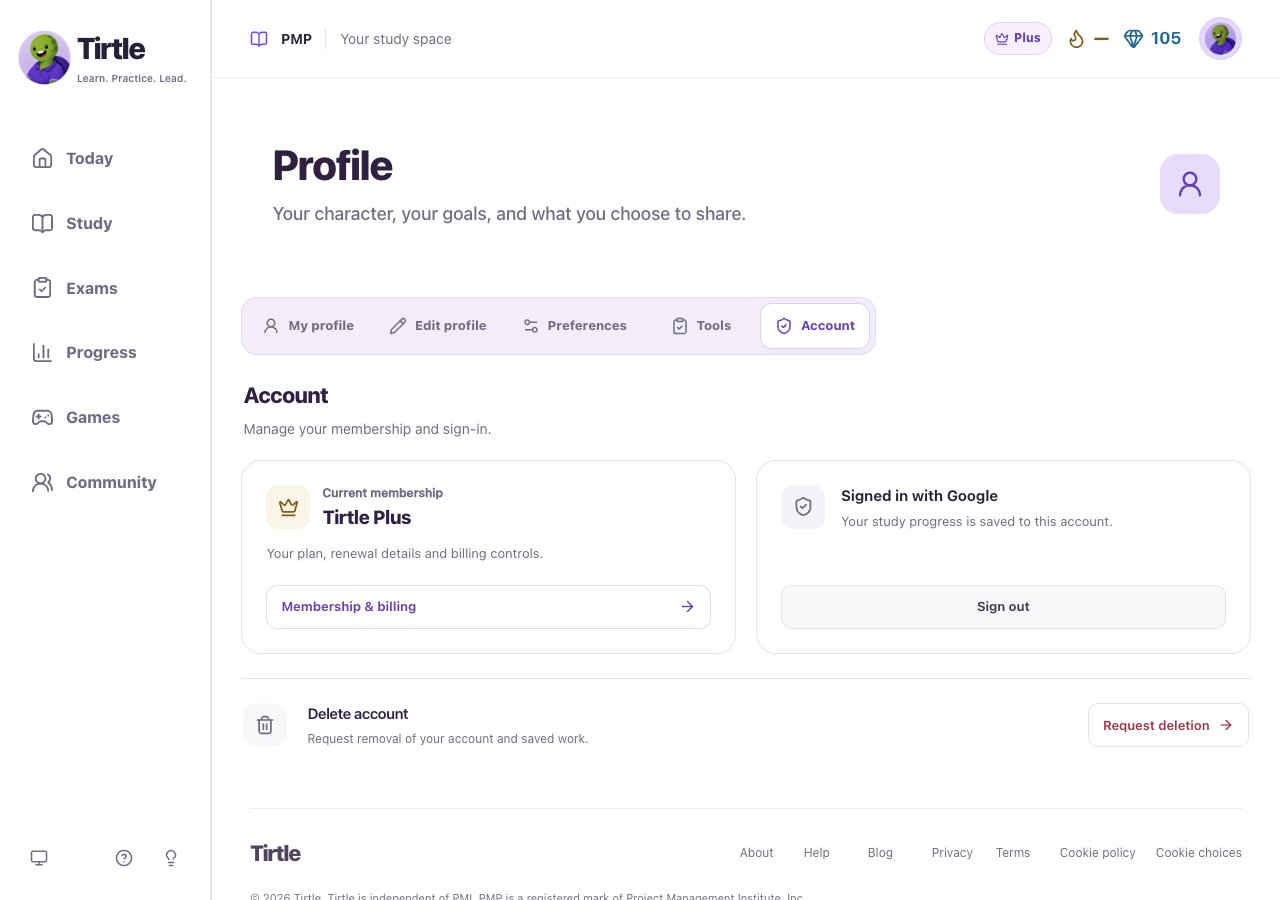
- Sign in and open Profile > Account.
- Find Delete account and choose Request deletion.
- Read the explanation of what the request starts.
- If you have paid Plus, use Membership & billing to review or cancel it separately.
Send a request for verification
Opening the email link only prepares an email in your mail app. It is not a submitted request until you send it. Do not include your password, sign-in code or identity documents in the initial request.
- Choose Email a deletion request.
- Send the request from the email address you use to sign in.
- Follow the Tirtle team’s verification steps before account removal.
- Choose Keep my account if you do not want to proceed.