Choose your sign-in
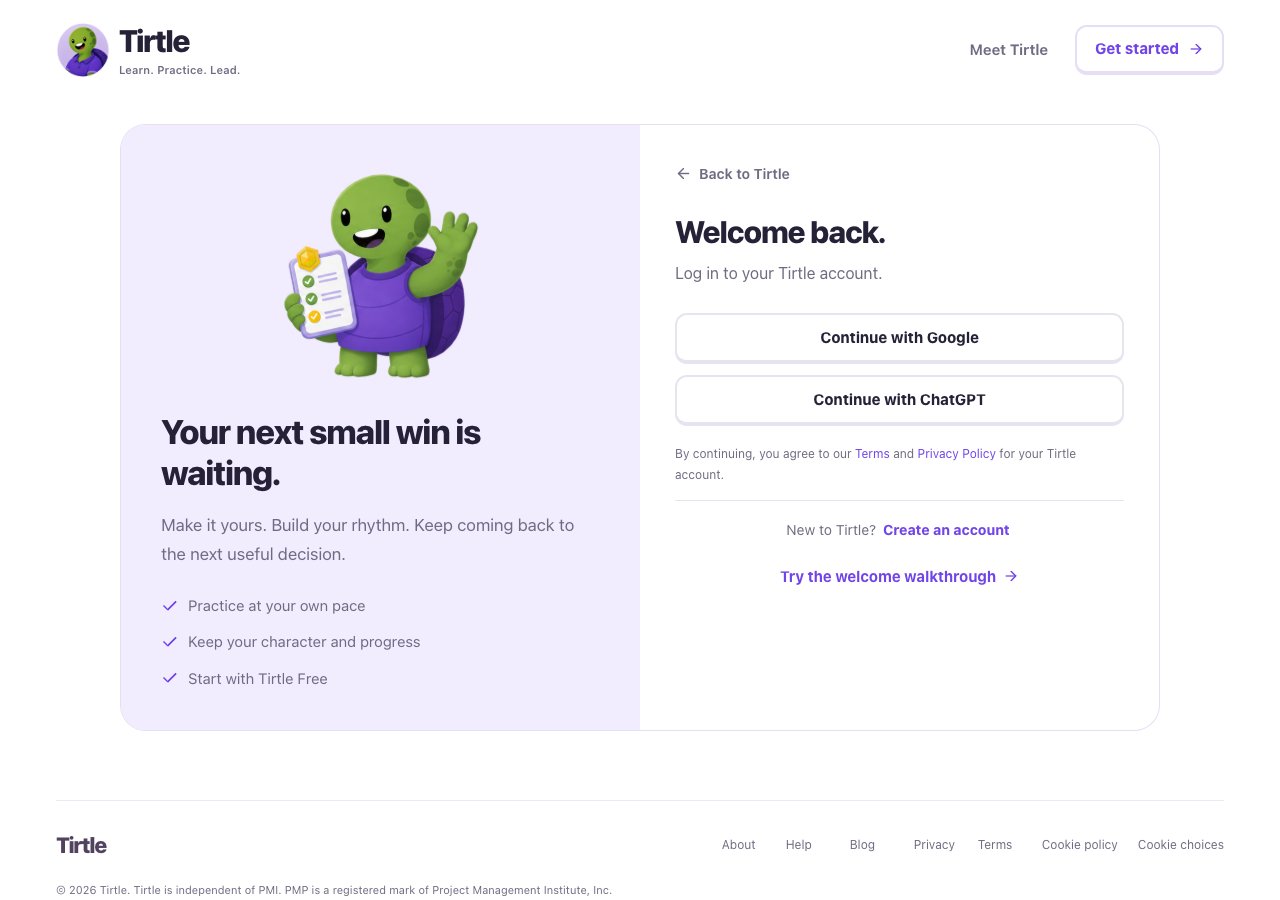
Use the same sign-in method and the same provider account each time. Google and ChatGPT study spaces are separate, even when they use the same email address. Tirtle doesn’t receive your provider password.
- Open the sign-in page.
- Choose Continue with Google or Continue with ChatGPT, then finish the steps shown by that service.
- When Today opens, use the profile picture to check your study space.
If sign-in doesn’t finish
Tirtle is for learners aged 13 and older. Review the terms and privacy notice before creating an account.
- Return to the sign-in page and start again if the attempt expired or was cancelled.
- Try your regular browser if a sign-in provider will not open inside another app.
- Check the account you selected before starting new practice.
Sign out on a shared device
Signing out does not delete saved progress or cancel a paid subscription.
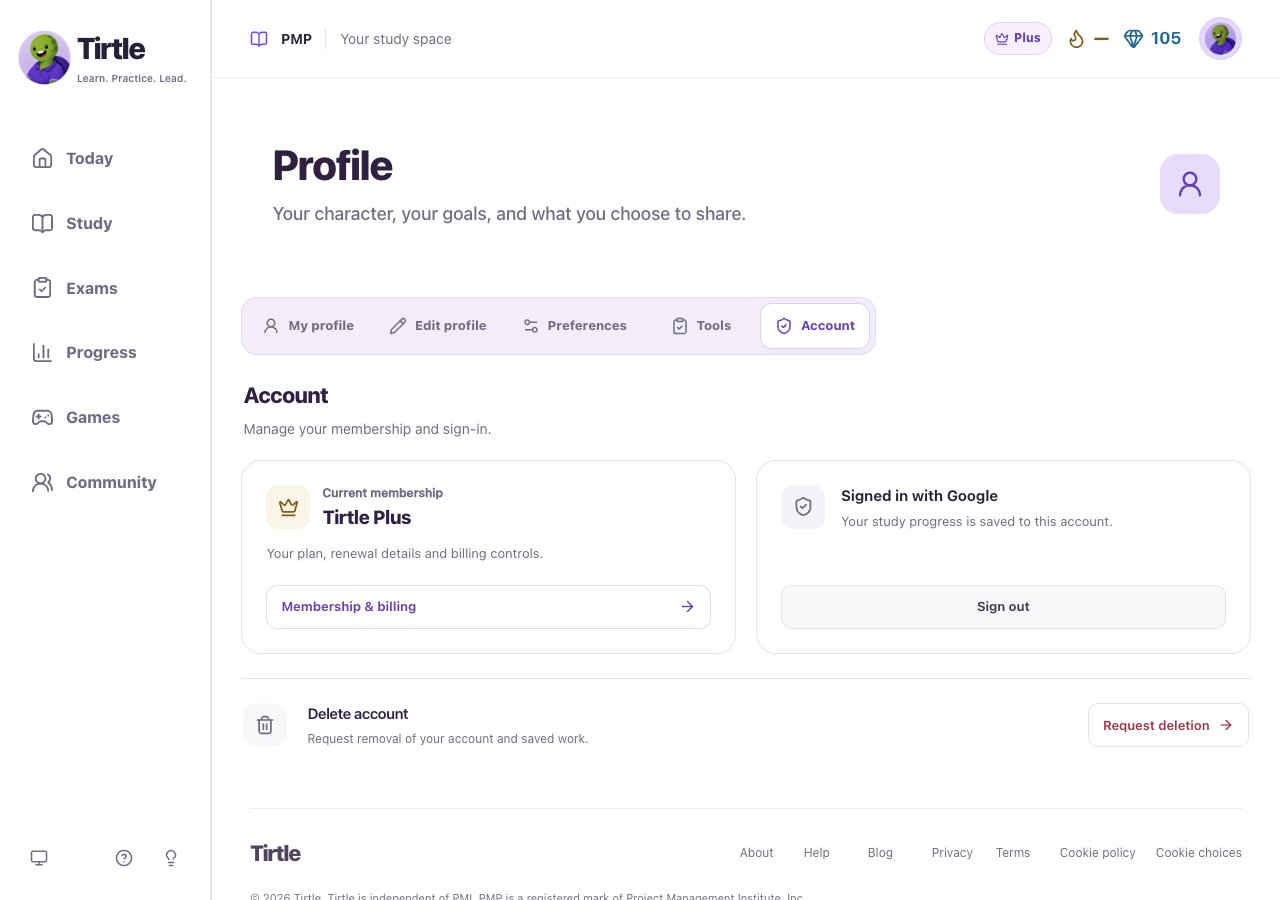
- Open Profile, then Account.
- Choose Sign out. Close the browser when you’re finished.