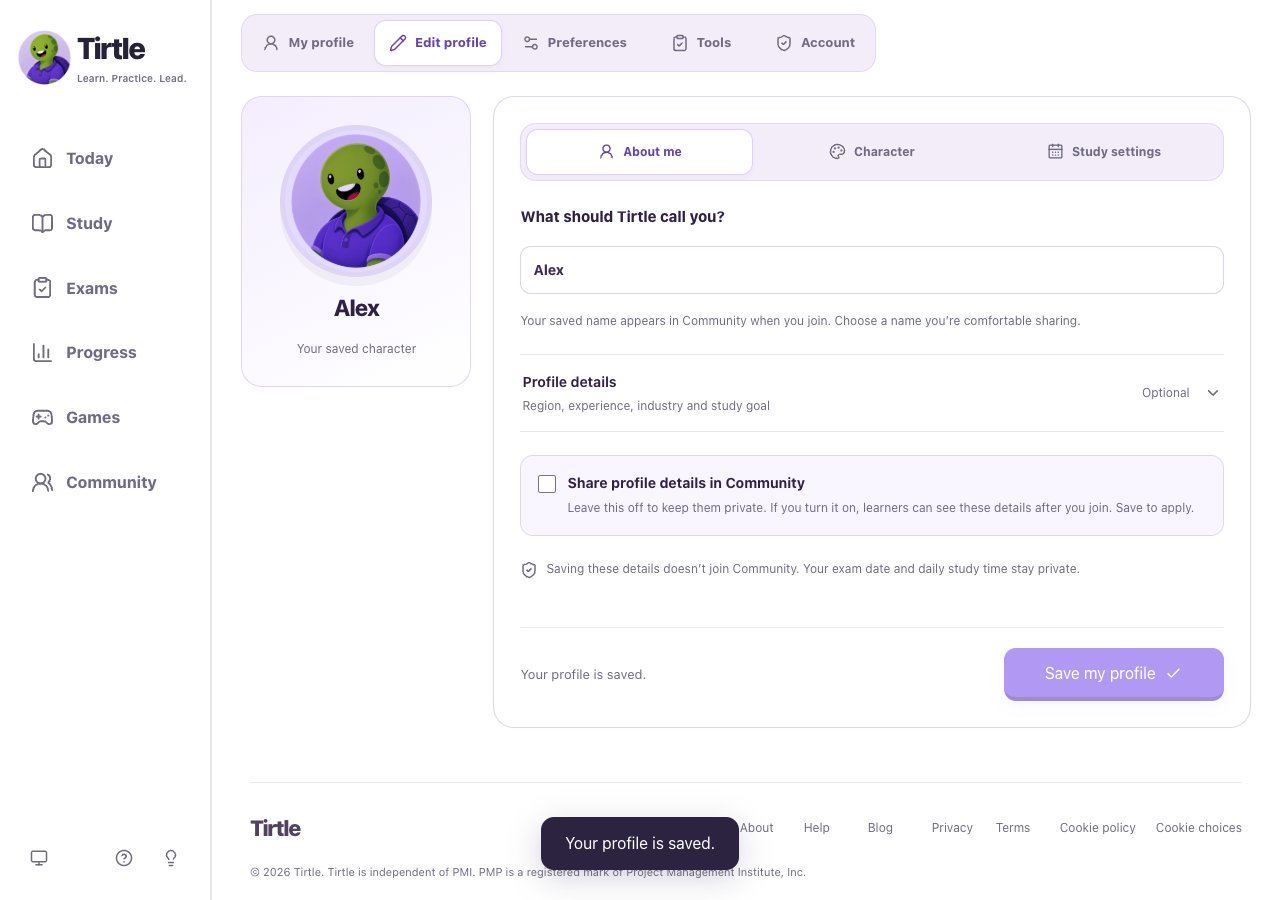
Review your choices
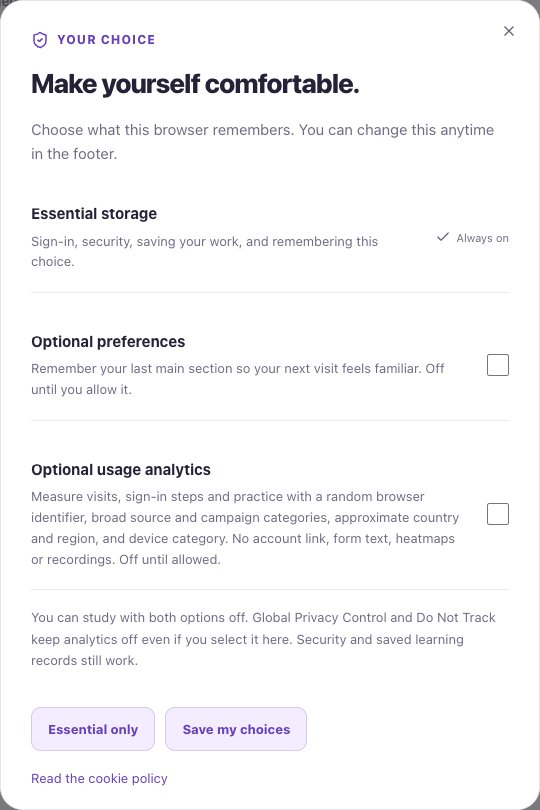
Choose Cookie choices in the footer to review the current optional settings and change your decision. The panel explains what each choice allows.
Essential storage supports functions such as sign-in and remembering your choice. Saved learning and application records belong to your signed-in account; accepting optional choices isn’t required to keep that work.
Changing optional choices doesn’t delete your account’s saved progress. Clearing essential browser storage can sign you out, so you may need to sign in again.
- Open Cookie choices in the footer.
- Read the choices and select the optional settings you want.
- Use the confirmation control in that panel to keep your decision.
Understand your records
The privacy notice describes the account details, practice activity, and application information Tirtle uses. The cookie policy explains the storage used by the current version.
You can edit your profile and application records in your study space. To request account deletion, open Profile > Account > Request deletion. This opens a support request for verification; it does not immediately delete your account. For other questions about information or retention, contact hello@tirtle.com.