
Open your study tools
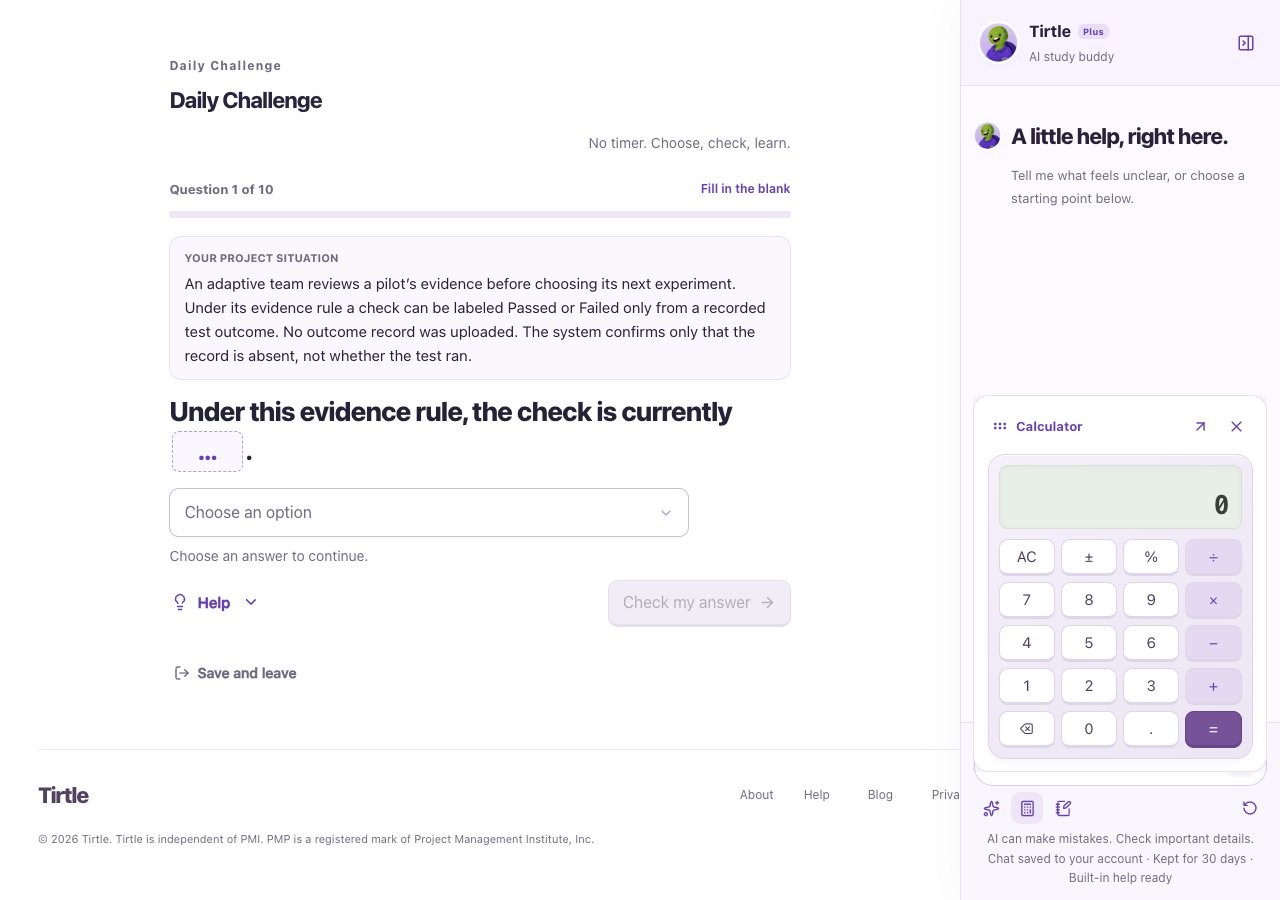
Calculator supports everyday arithmetic. AC clears the calculation. Use the question’s units and rounding instructions when applying the result.
- Open Study Buddy during a supported activity with Plus.
- Choose Calculator or Scratchpad from the study-tools row.
- Use the window’s pop-out control if you want it beside the question. Move the floating tool with its handle; keyboard arrow keys are also supported.
- Close the tool window when you’re finished.
Save a scratchpad
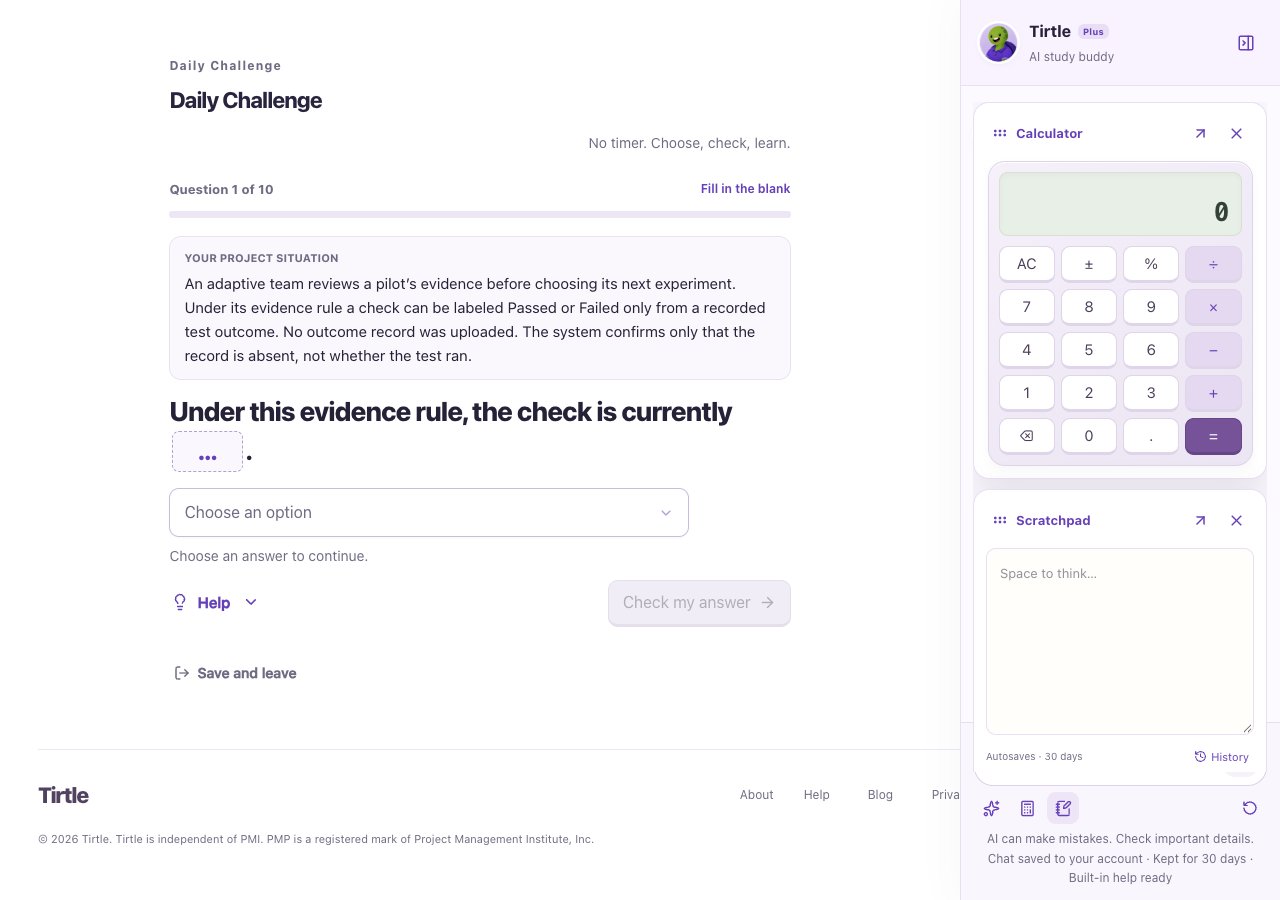
Scratchpads are private account notes linked to the activity. They can hold up to 4,000 characters and are kept for 30 days after the last save. They are not a permanent notebook.
- Write your working notes in Scratchpad.
- Wait for Saved · 30 days before relying on the save.
- Choose History beside the save status to open Saved scratchpads.
- Open a note to read it and check its available-until date.
Return later or handle a save issue
You can also open History from Profile > Preferences > Tirtle study buddy. An empty history means there are no available saved notes to show.
If notes cannot save or changed in another tab, keep the current draft open and copy anything you need before refreshing. Leave out passwords, identity documents and confidential project details.