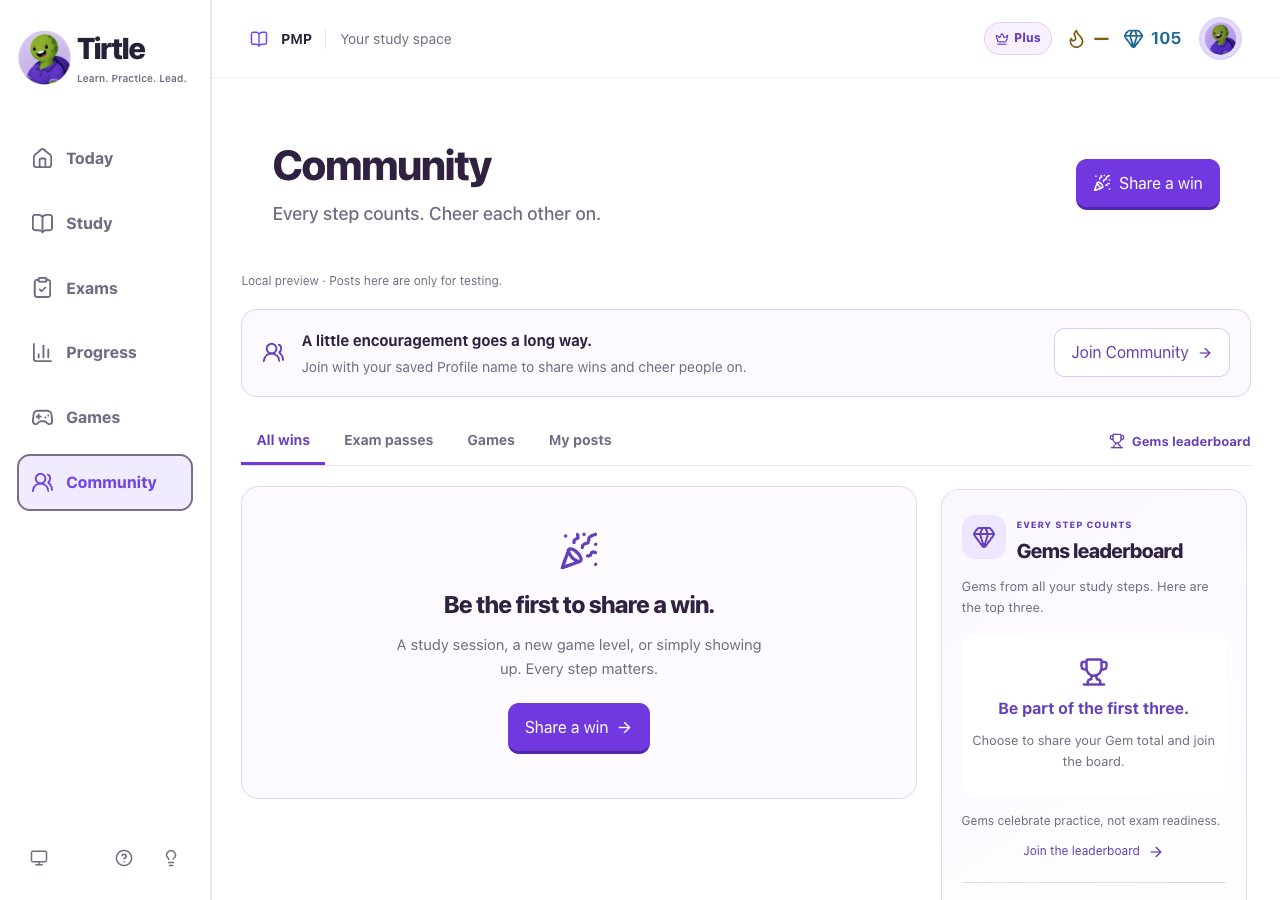
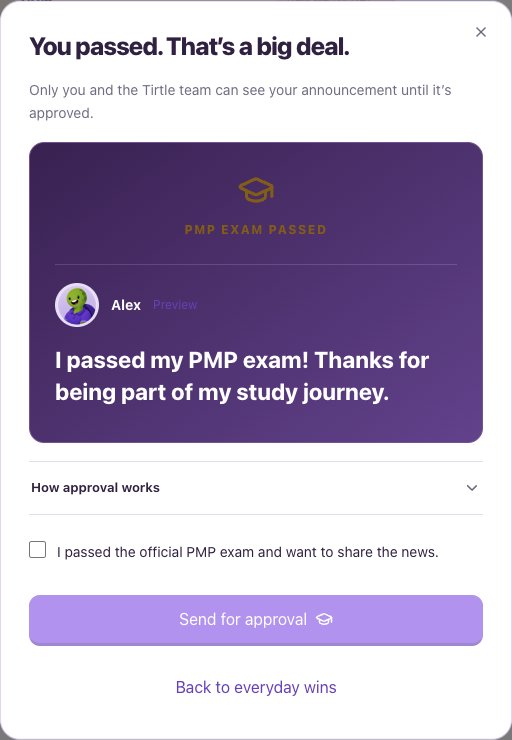
Send your announcement
Use this after your official result, not after a Tirtle practice exam. The announcement is visible only to you and the Tirtle team until approved.
- Open Community and choose I passed my PMP, or Passed your PMP? in the win composer.
- Read the preview and How approval works.
- Confirm that you passed the official PMP exam and want to share the news.
- Choose Send for approval.
Follow its review
The screen shows pending, approved or not-published status. An approved Community announcement does not certify your credential on PMI’s behalf. There is no promised review time.
- Return to Community and find Your exam announcement.
- Choose Check review status to refresh it.
- After approval, choose Share my PMP card to prepare an image for sharing.
- If you change your mind, use Remove my exam announcement and confirm the removal.