Browse and encourage
Reactions and ranks are encouragement, not a measure of a person’s exam readiness. Sharing your own Gem count and joining the board are separate choices you control.
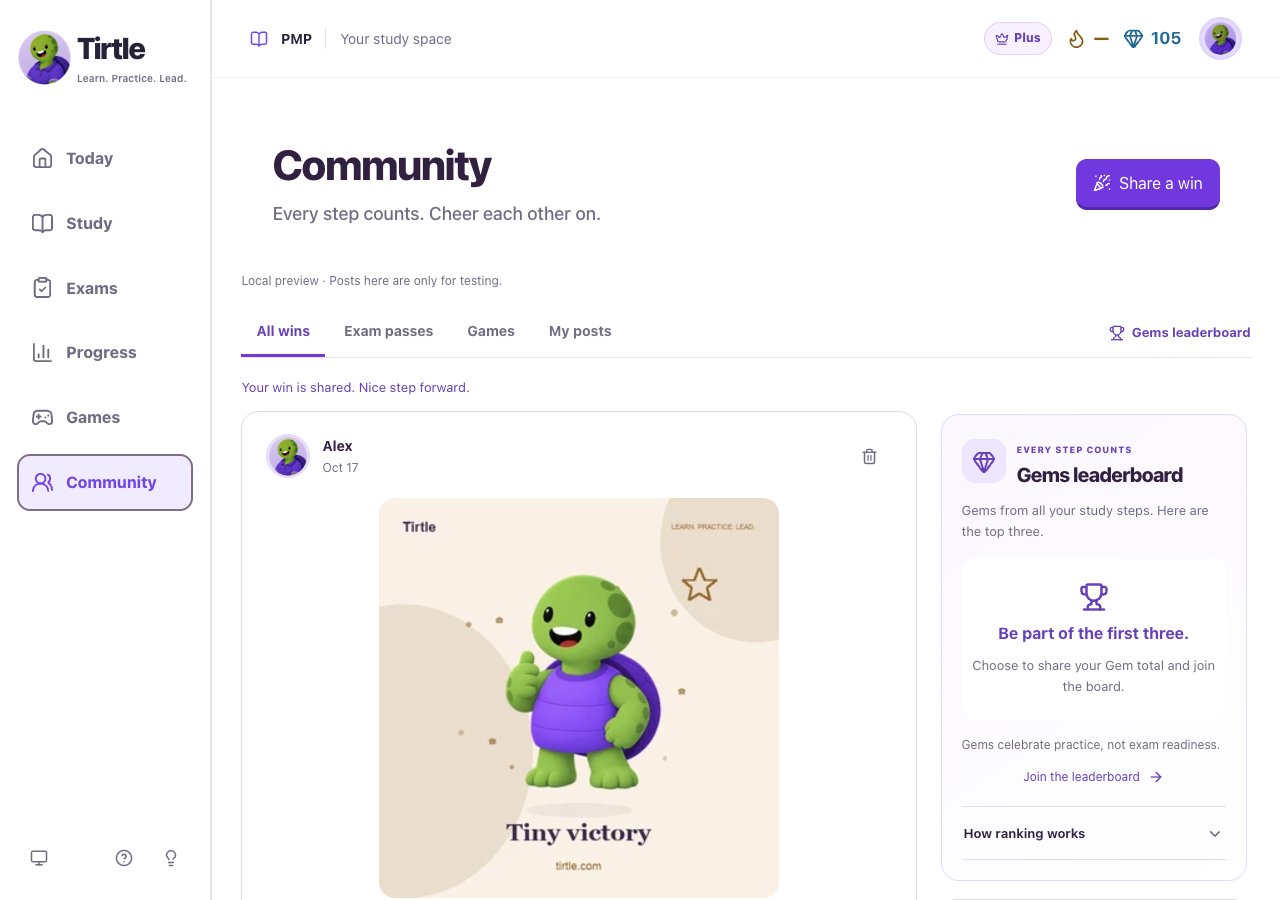
- Open Community and choose All wins, Exam passes, Games or My posts.
- Choose Load more wins if you want to see more of the feed.
- Use a reaction beneath a post to cheer someone on. Join Community first if prompted.
- Use the Gems leaderboard link to view the optional board.
Remove one of your posts
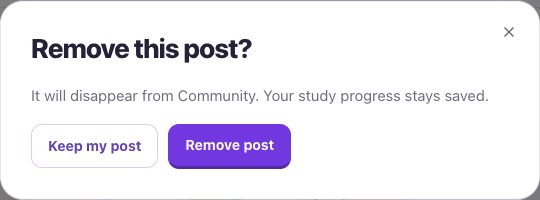
The post disappears from Community. Your learning progress and saved game win remain. This control only manages your own post. Copies shared elsewhere stay outside Tirtle’s control.
- Choose My posts to find your own post.
- Choose its Remove my post control.
- Read the confirmation, then choose Remove post or Keep my post.