
Join when you’re ready
Joining is optional. Other signed-in learners can see your saved name and character. Your email, exam answers and application draft remain private.
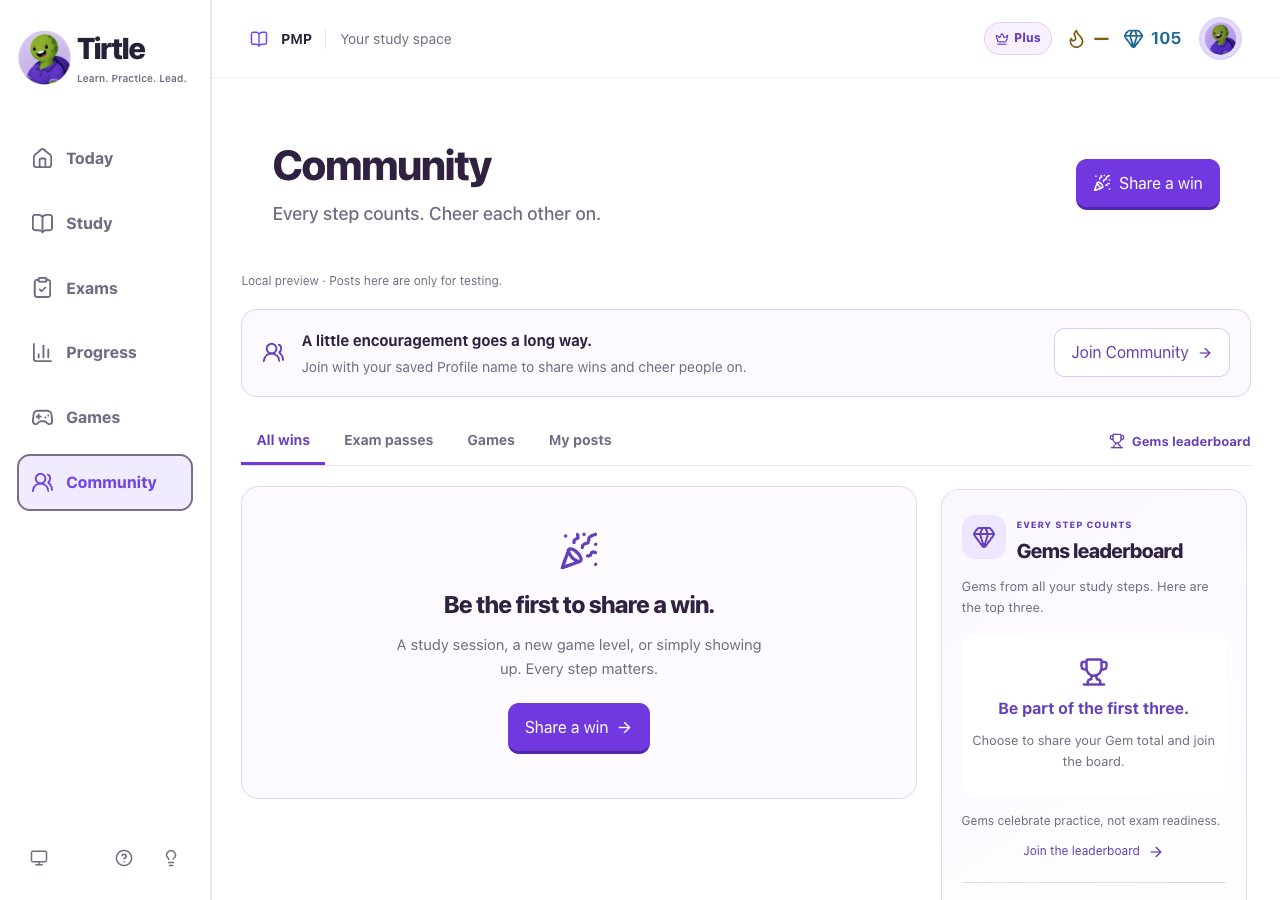
- Open Community and choose Join Community.
- Check the public-name and character preview. Use Edit in Profile if you want to change them first.
- Choose whether to share your Gem count and appear on the Gems leaderboard.
- Choose Join Community to save your decision.
Change sharing later
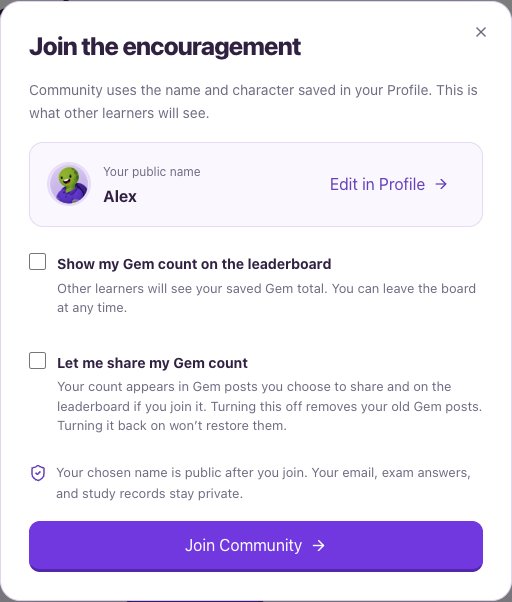
The leaderboard needs Gem sharing on. Turning Gem sharing off removes your old Gem posts. Turning it back on does not restore them. Optional profile details have their own sharing choice in Edit profile.
- Open Profile > Preferences and find Community & sharing.
- Choose Sharing settings to open Community settings.
- Update Show my Gem count on the leaderboard and Let me share my Gem count.
- Choose Save settings.
Leave Community
Leaving removes your posts and reactions and takes you off the leaderboard. Those posts and reactions do not return if you rejoin. Your saved game wins and study progress remain. Copies shared outside Tirtle are not removed by leaving.
- Open Community settings and choose Leave Community.
- Read the removal explanation, then confirm Leave Community or choose Stay in Community.