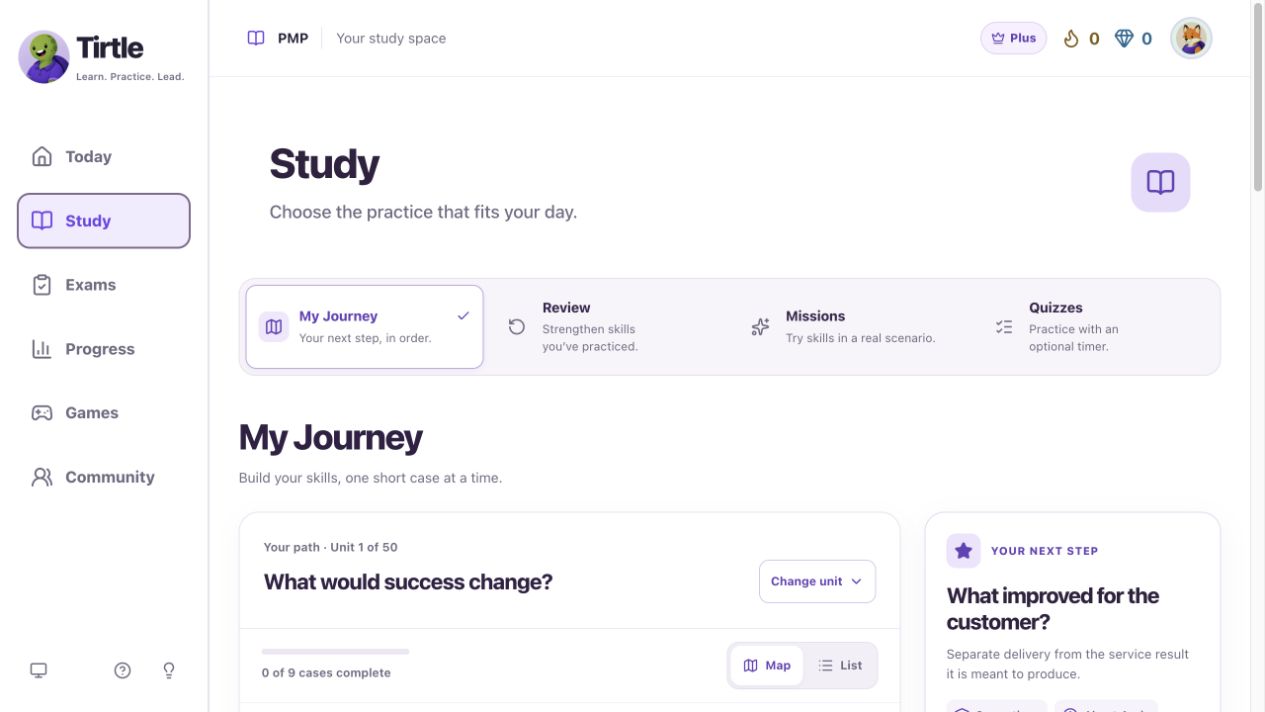
Find your next case
A case uses one project situation across a few decisions. Its card shows the number of questions and an estimated time.
- Open Study, then My Journey.
- Choose a unit to see its cases. Use Map or List to browse in the way you prefer.
- Open the available case marked as your next step, or choose Continue case for work you already started.
- Read the case introduction and start its questions.
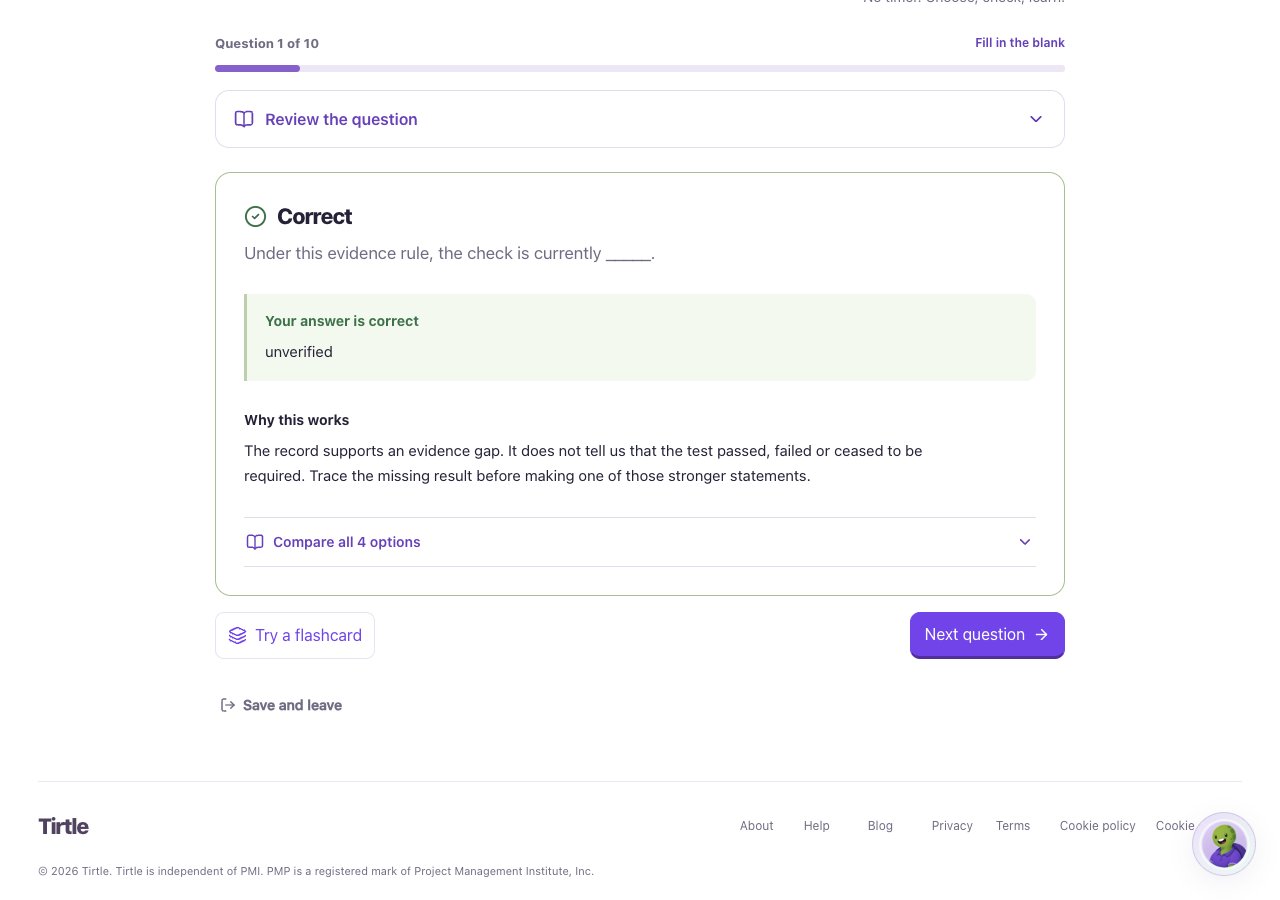
Complete and review it
Completing a case does not require a passing score. Your first completion earns 10 Gems. Returning to a completed case is useful practice but does not repeat that first-completion reward.
- Answer each question and read the explanation before moving on.
- Finish every question, then open your results.
- Review Questions to revisit or choose the next available case.
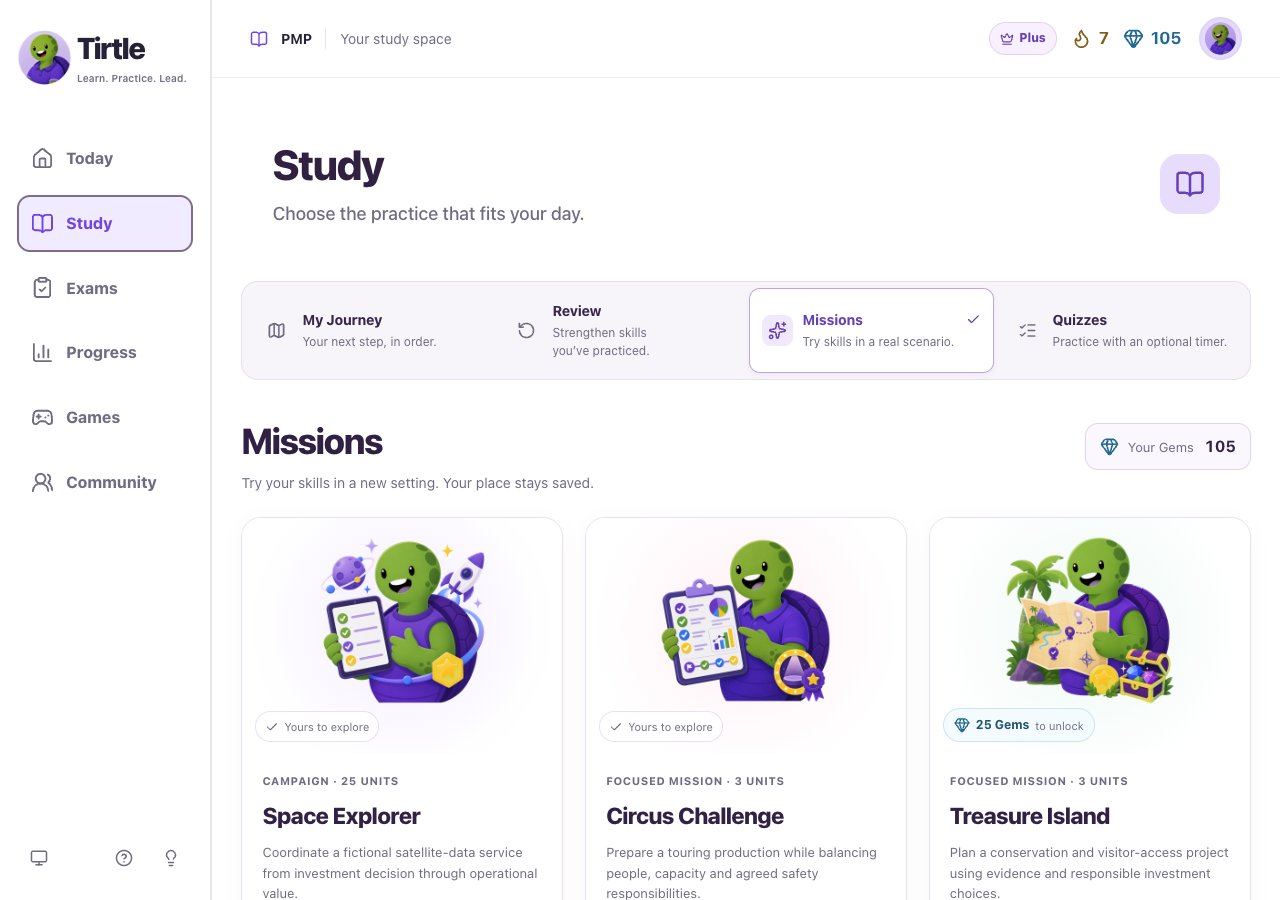
Try a different setting
Missions lets you use project ideas in themed situations. Some settings are already available; others show a Gem cost before you confirm an unlock. Tirtle is one part of your preparation, not a complete PMP course.