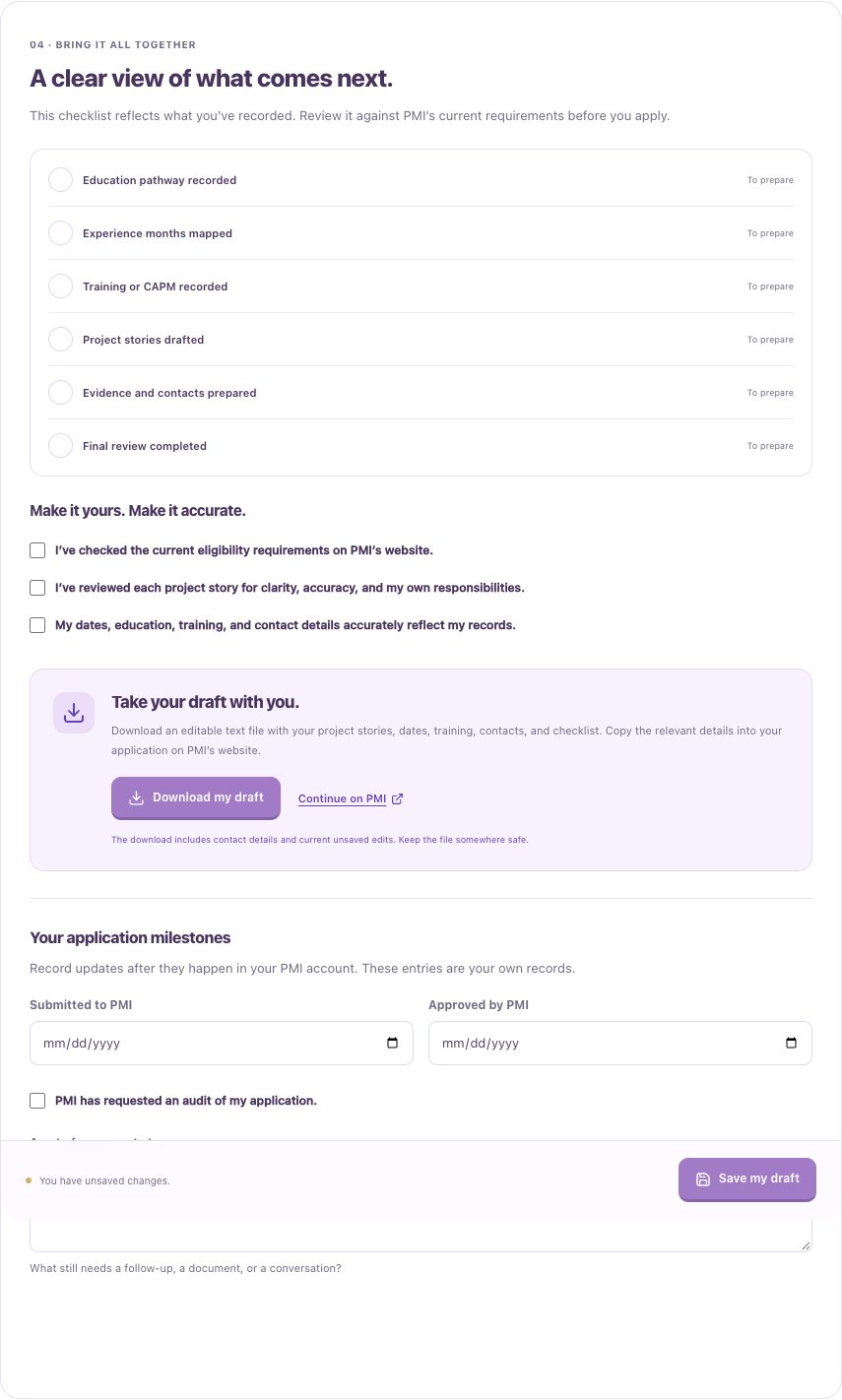
Open your preparation workspace
Tirtle helps you organize information. It does not submit an application or confirm PMI eligibility. Tirtle practice time does not count as formal training hours. Check PMI’s current requirements before relying on a plan.
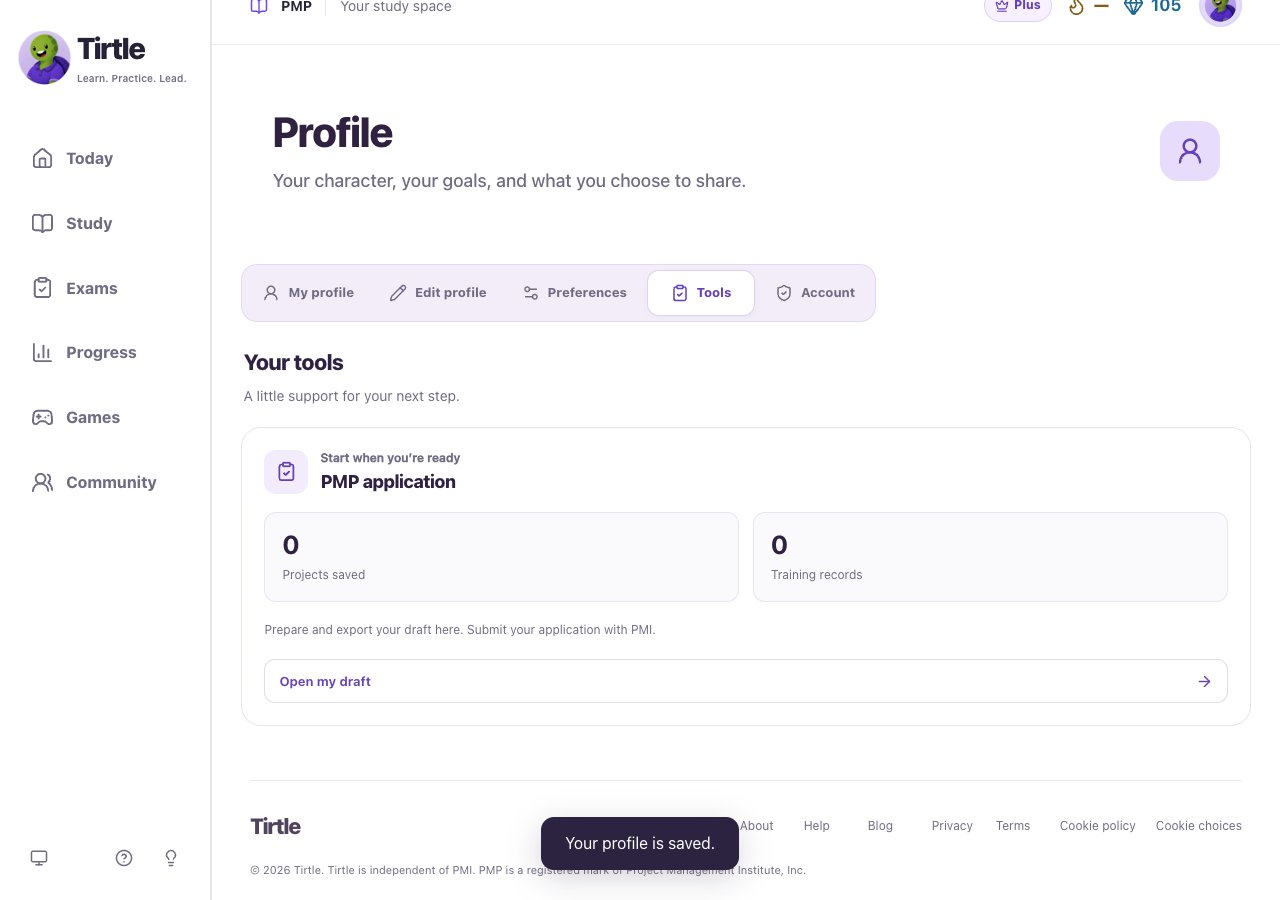
- Open Profile, then Tools.
- In PMP application, choose Open my draft or Continue my draft.
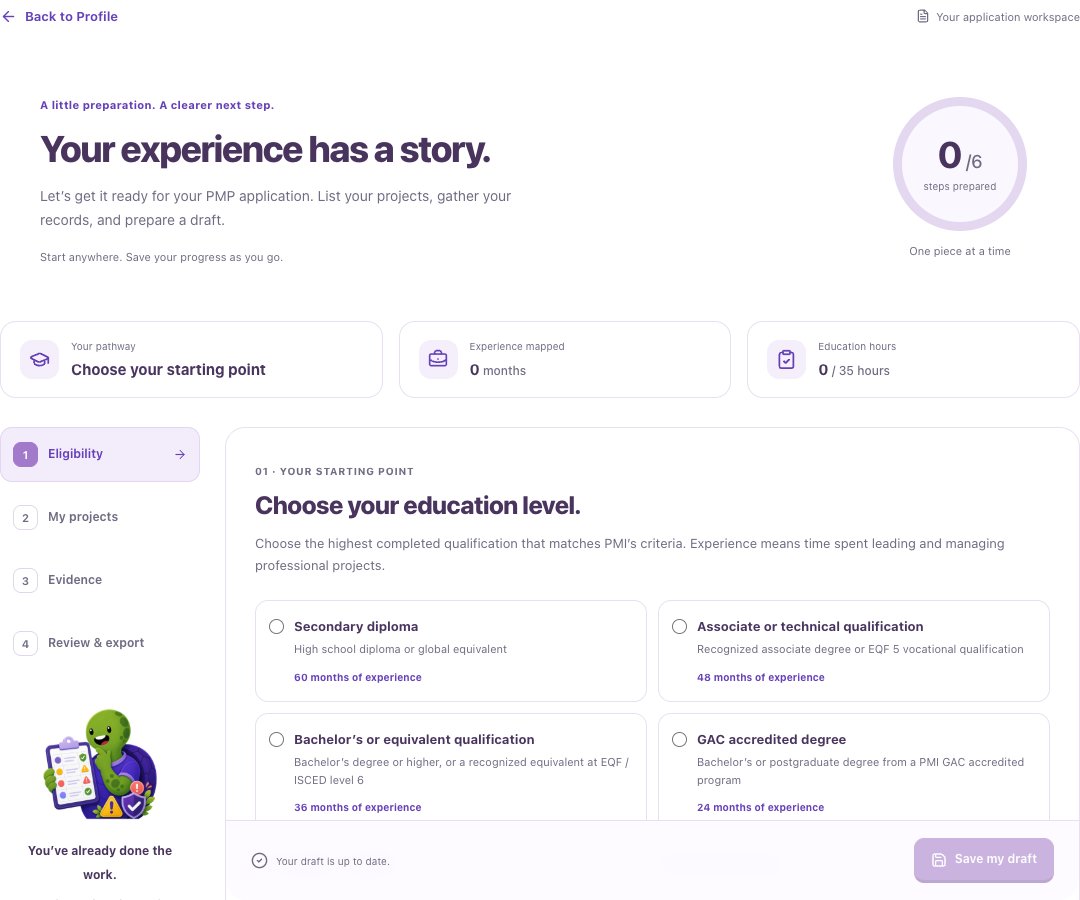
- In Eligibility, record your education and relevant formal training or active CAPM information.
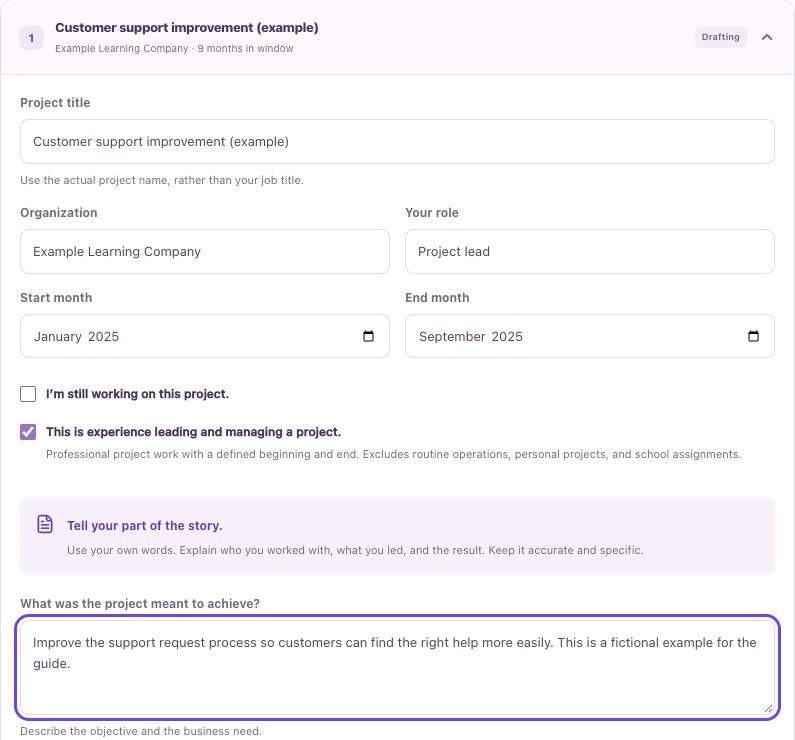
- In My projects, add a project and describe the work you led, its dates and your contribution. Add other projects as needed.
Prepare your evidence
These are your notes and checklists. Tirtle does not upload supporting documents or independently verify your records. Leave out passwords, identity documents and confidential client material.
- Open Evidence and review the records you may need for your education and training.
- Add an appropriate person who can confirm each project, and check their contact details.
- Use Review & export to see what still needs attention. Record application milestones after they happen in your PMI account.
Save and download
The download includes current unsaved edits and any contact details you entered. Keep it somewhere appropriate for personal information.
If saving fails, keep the workspace open. Download your current draft before refreshing if you need a copy. Save & back to Profile attempts to save your changes before leaving.
- Choose Save my draft and wait for Saved to your account.
- Open Review & export and choose Download my draft for an editable text copy.
- Review the downloaded information before using Continue on PMI to work on your application there.